Schedule chat messages in Audience Tools
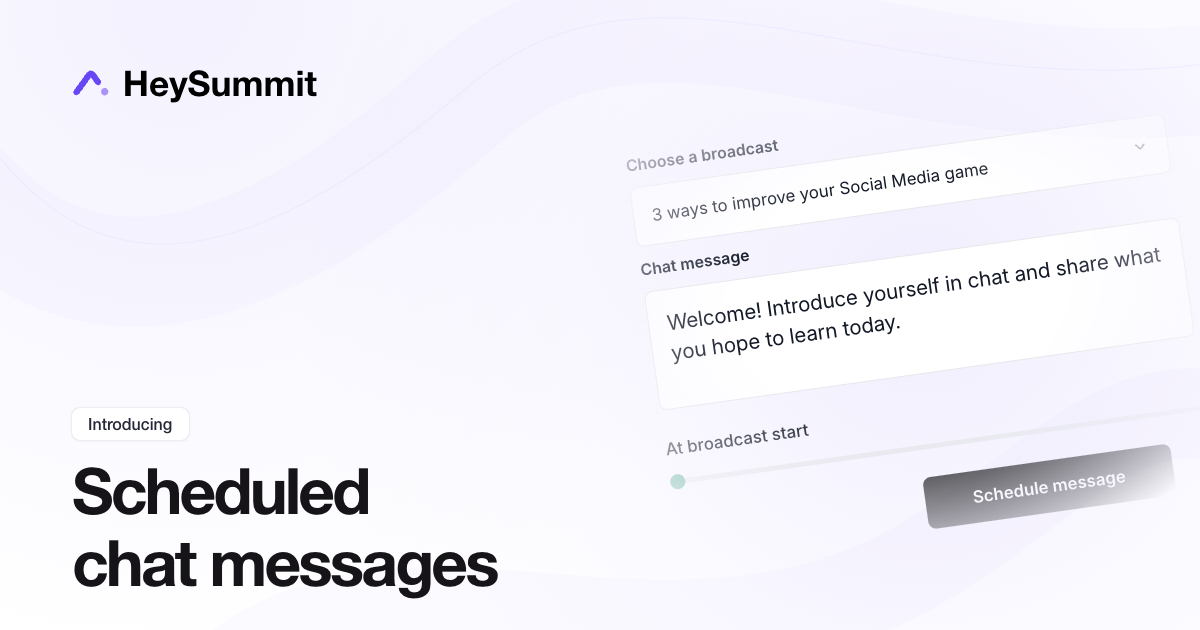
You can now schedule chat messages ahead of time in Audience Tools. Choose a broadcast, write your message, and set it to send at the scheduled start or a number of minutes afterwards. It is a simple way to welcome attendees, share links, or prompt a discussion without posting each message manually.
This also works with prerecorded sessions and repeating broadcasts. Messages follow the timetable in HeySummit and send automatically, even when Audience Tools is closed.
The Auto chat messages board keeps drafts, scheduled messages, and sent messages together. Polls have a matching board for drafts, scheduled, active, and finished polls, and scheduled polls now open automatically.
To get started, open Audience Tools from your event dashboard, select Auto chat messages, and choose New message.