June 26th, 2026
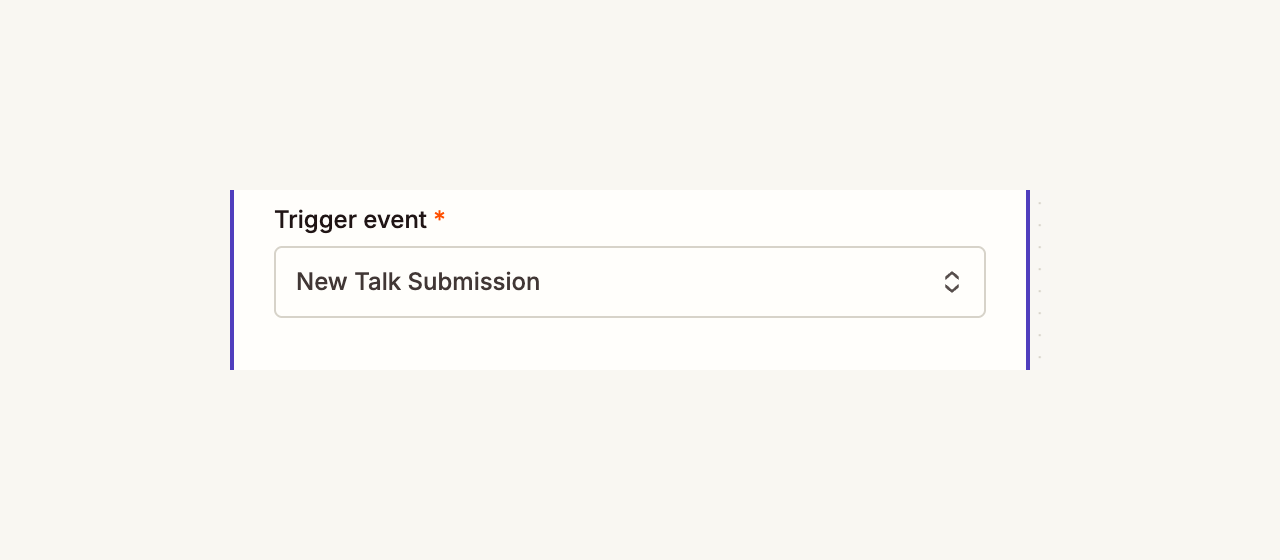
You can now start a Zap when someone submits a talk proposal for your event.
Choose New Talk Submission in the HeySummit Zapier app to send new submission details into the tools you already use, including the proposed talk title, speaker details, event details, and submission status.
If you charge for public talk submissions, the Zap runs once payment is complete and the submission is ready for review.
June 25th, 2026
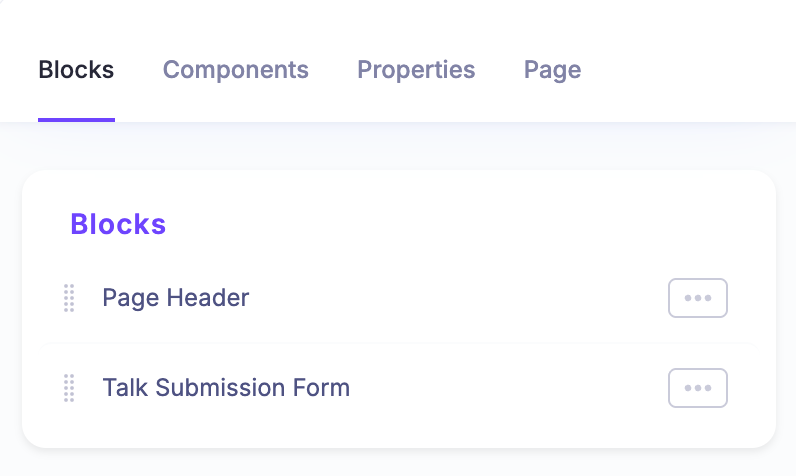
You can now customise the public Submit a Talk page using the same Page Builder tools you use for your event site.
The page is built from editable blocks, including the page header and talk submission form. That means you can update the surrounding copy, add extra sections, include richer context for potential speakers, and remove the old fixed sections that did not always fit your event.
The talk submission confirmation page is editable too, so you can explain what happens next after someone sends in a proposal. We have also brought the same editable-page approach to sponsor application pages, so sponsor intake can follow your event branding and layout as well.
June 25th, 2026
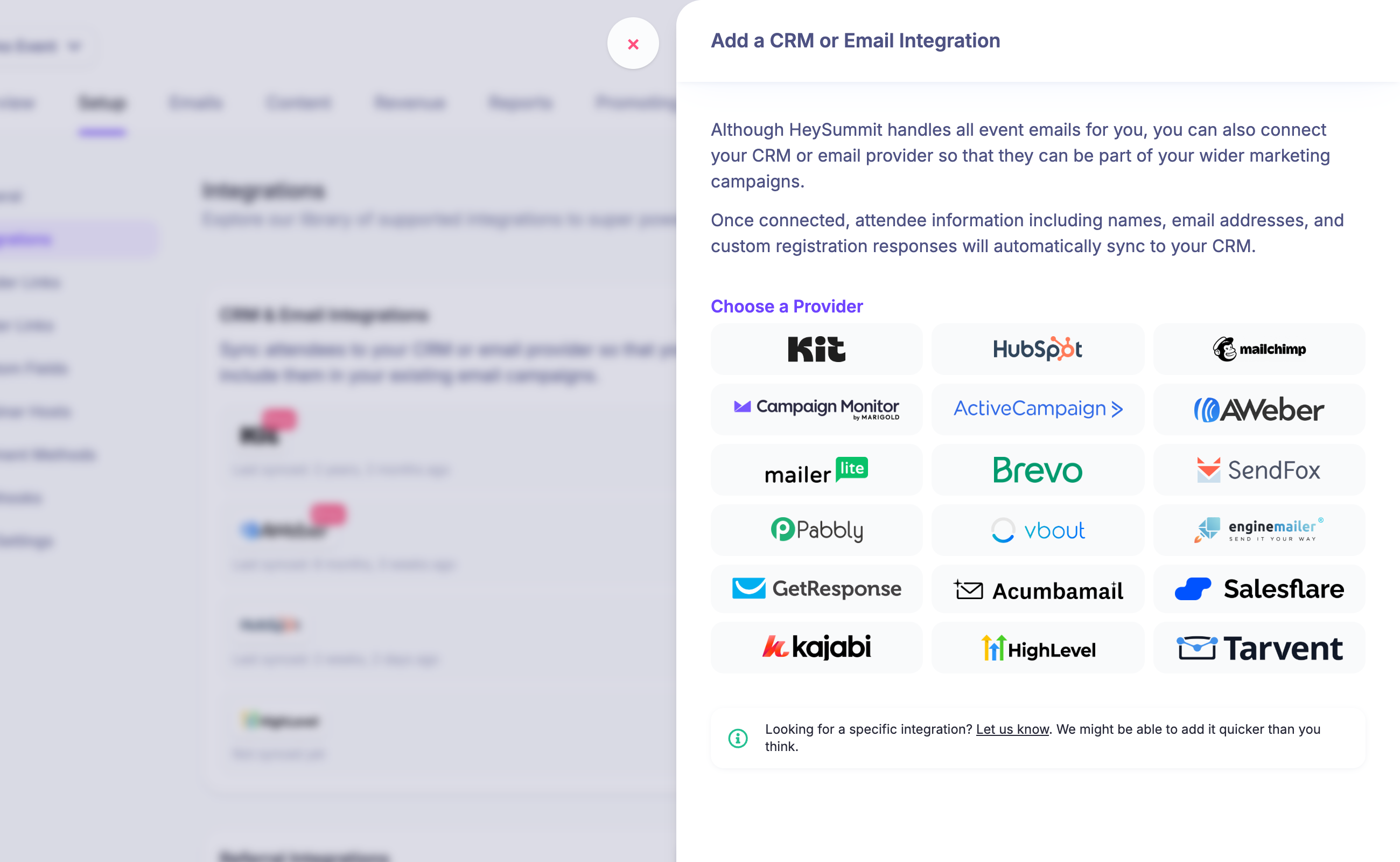
Tarvent is now available in HeySummit's CRM & Email Integrations.
Organisers can connect a Tarvent account from Setup > Integrations, choose the Tarvent audience attendees should be added to, and map HeySummit fields to Tarvent audience data fields.
Once connected, attendee names, email addresses, registration responses, and selected event fields can sync into Tarvent, with optional contact tagging to help segment event contacts for follow-up campaigns.
June 25th, 2026
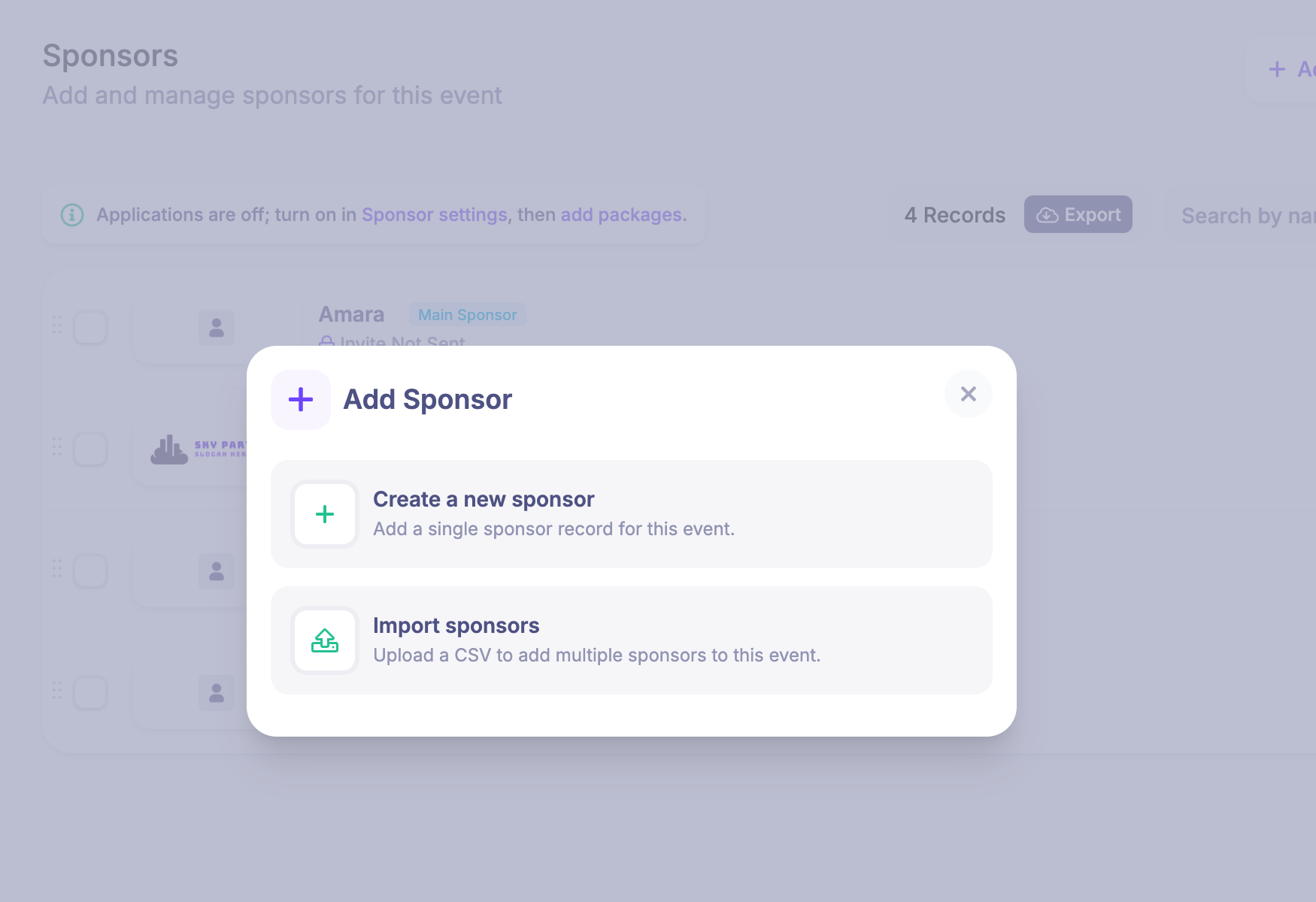
You can now import sponsors in bulk from the Sponsors page. Choose Add Sponsor, then select Import sponsors to upload a CSV of sponsor records instead of creating each sponsor one at a time.
The same Add menu pattern is also available for talks and speakers, so larger content updates are easier to start from the place you already manage those records.
June 25th, 2026
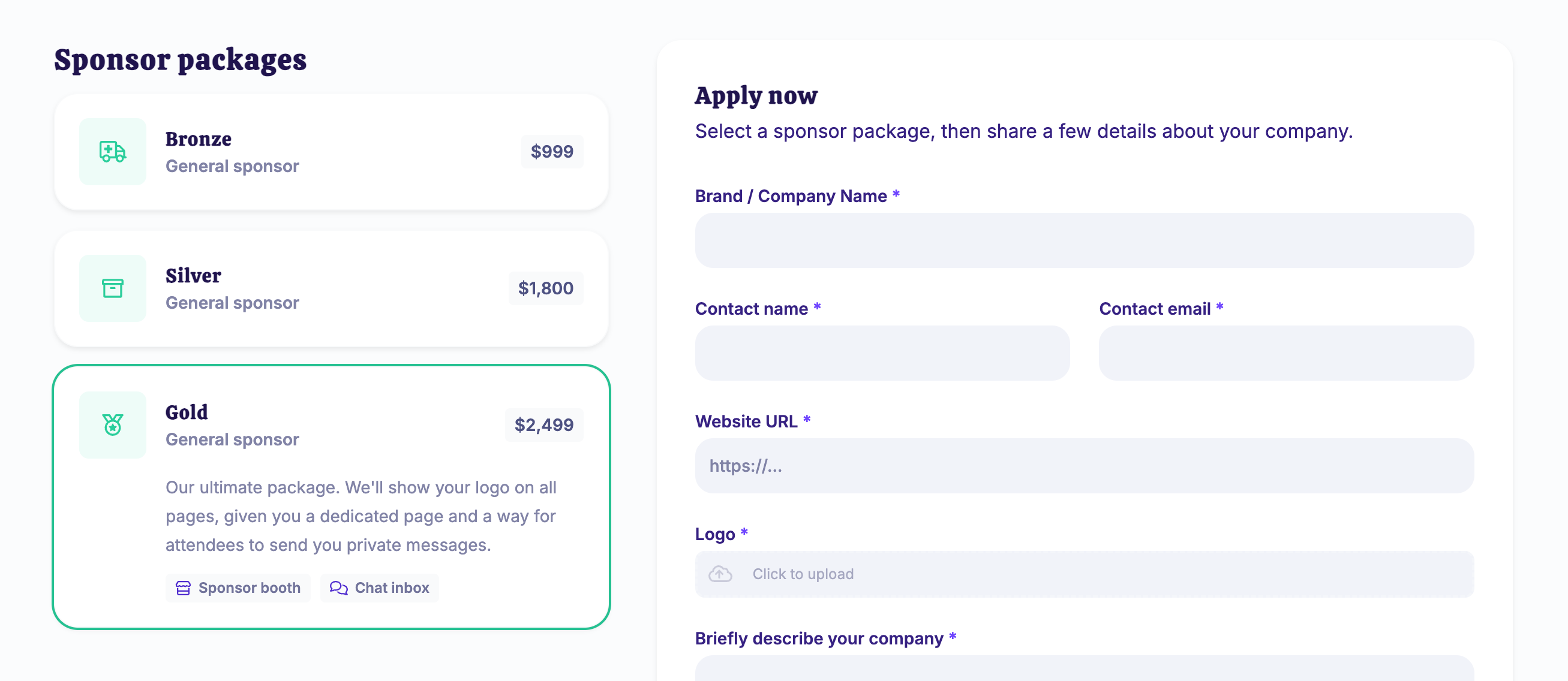
You can now let prospective sponsors apply from your public event site and choose from sponsor packages you define.
Create one or more sponsor packages with their own title, description, icon, price, placement, and included features such as sponsor booths and chat inbox access. Packages can be free or paid, so you can collect sponsor applications in the way that fits your event.
When sponsor applications are enabled, HeySummit can add a public sponsor application link to your event footer and sponsor prompts. Applicants choose a package, add their company details, upload a logo, and pay during the application flow when payment is required.
Applications are reviewed from the dashboard, where you can approve, reject, and refund separately. Approved applications create the sponsor using the package settings, including placement and booth options.
June 24th, 2026
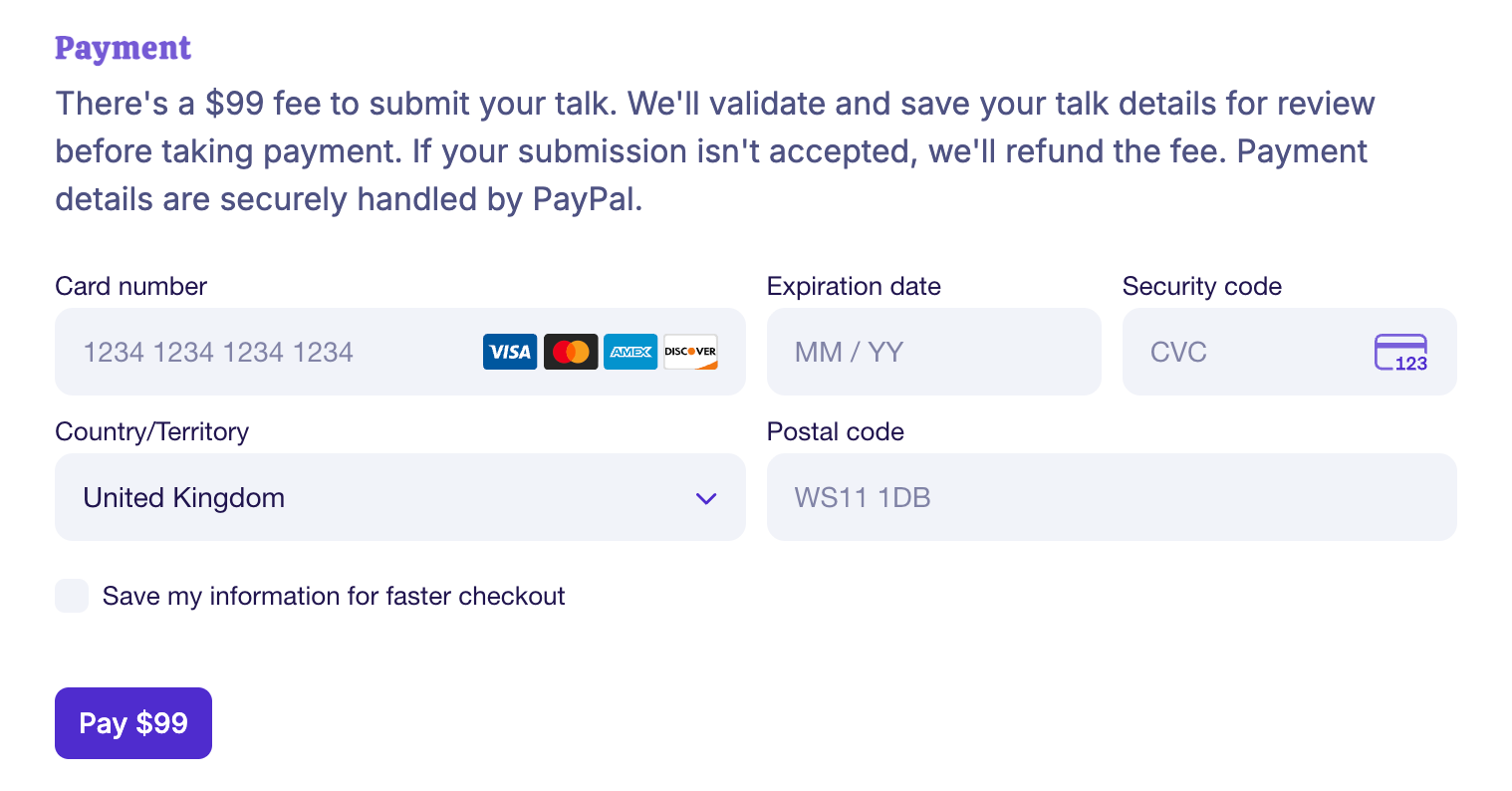
Organisers can now charge a submission fee on the public “Submit a talk” form.
When paid submissions are enabled in Event Settings, speakers submit their talk and speaker details, pay through the event’s connected payment provider, and only then appear in the Talk Submissions list for review.
You can approve or reject paid submissions from the dashboard as usual. If a paid submission is rejected or refunded, HeySummit uses the same refund flow as attendee purchases.
June 23rd, 2026
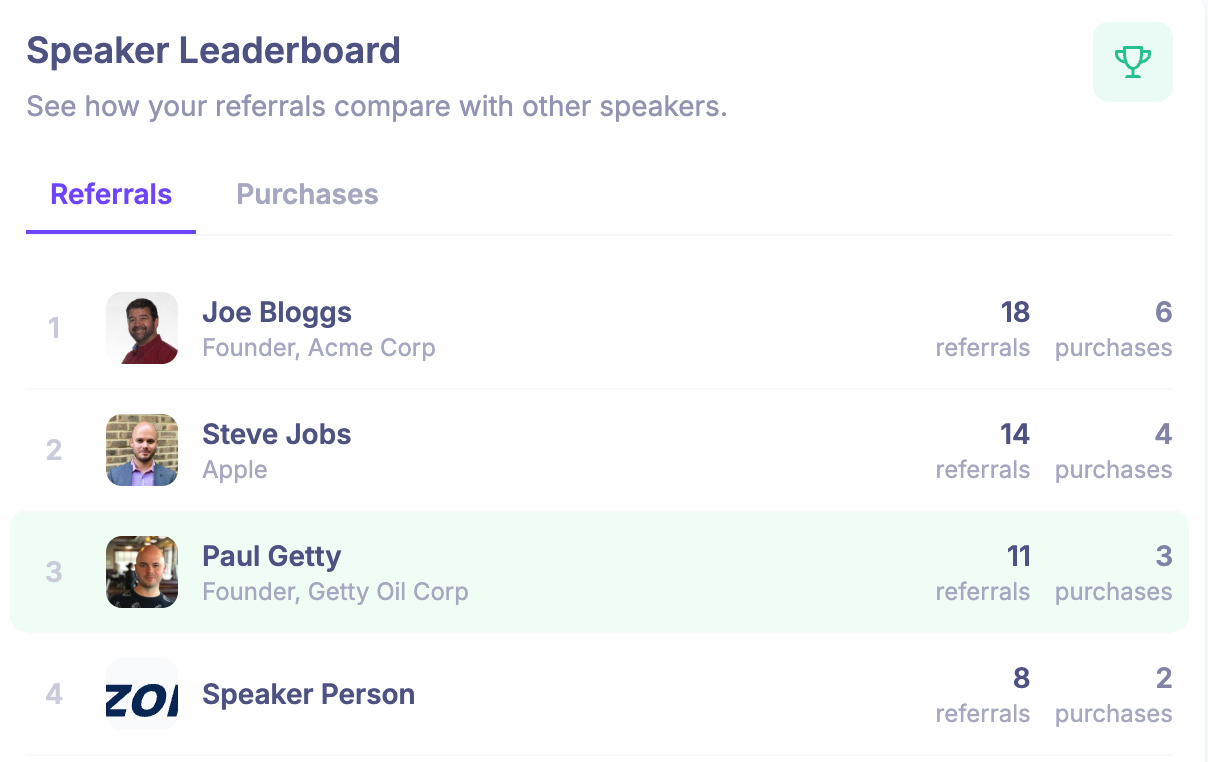
You can now add referral leaderboards for speakers and affiliates, so people promoting your event can see how they compare without needing organiser reports.
Organisers can turn speaker and affiliate leaderboards on separately for each event, and choose whether each leaderboard shows referrals, purchases, or both. Speakers see their leaderboard on the speaker dashboard, while affiliates see referrals and purchases on the affiliate dashboard.
There is also a compact speaker leaderboard above Content > Speakers, plus embeddable leaderboard options under Promoting > Embeddable Media for events that want to share rankings more widely.
Leaderboards show counts only, not monetary values, making them useful for referral contests, speaker incentives, and affiliate promotion without exposing revenue.
June 22nd, 2026
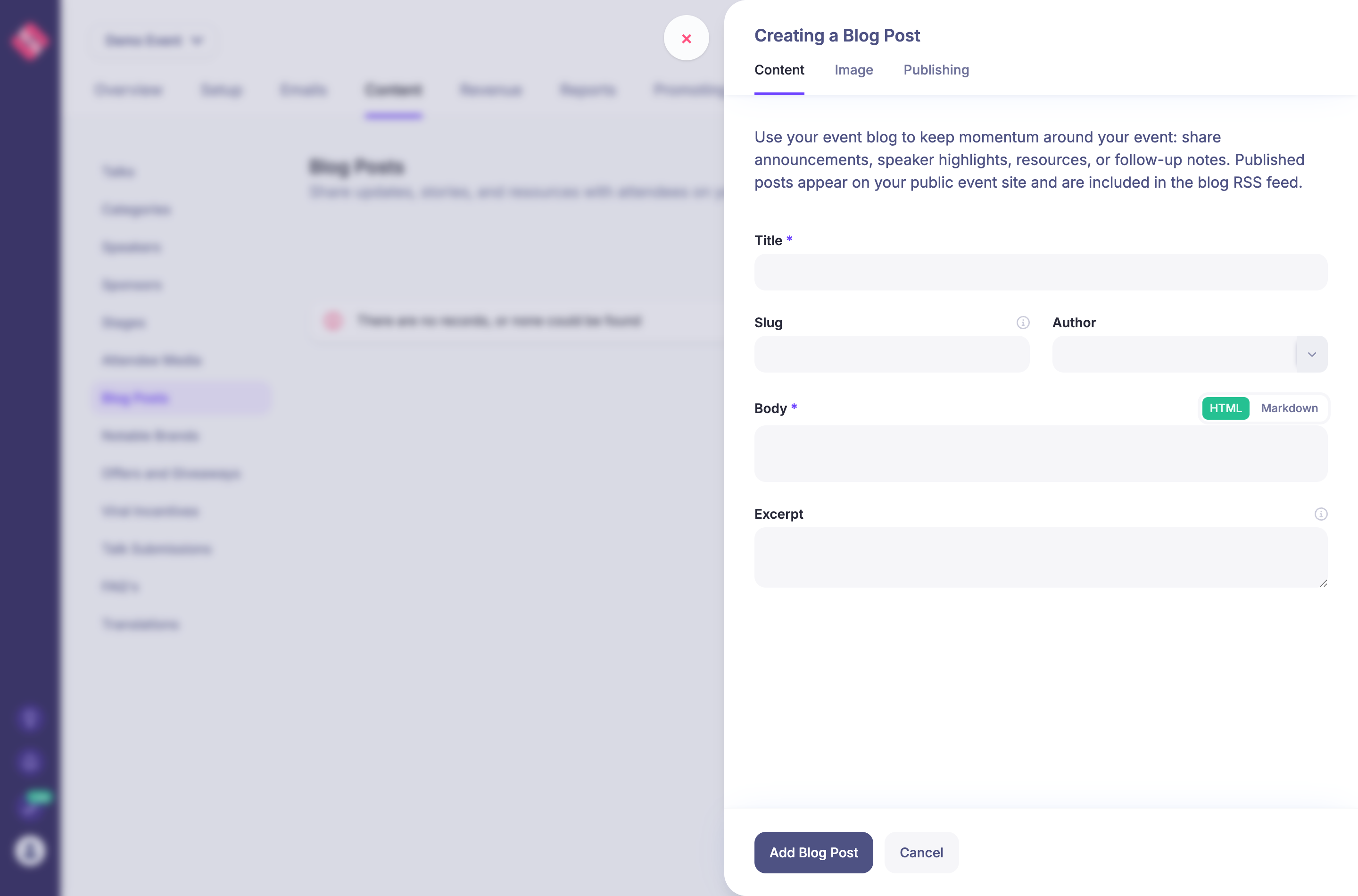
You can now add a Blog to your event site and publish posts directly from HeySummit.
In Manage > Content > Blog Posts, organisers can create posts with a rich text or Markdown body, add a featured image, set an author, choose whether comments are enabled, and publish when ready.
Published posts appear on the public Blog page for the event and are available through the event blog RSS feed, helping keep announcements, resources, and follow-up content on your own event site.
June 19th, 2026
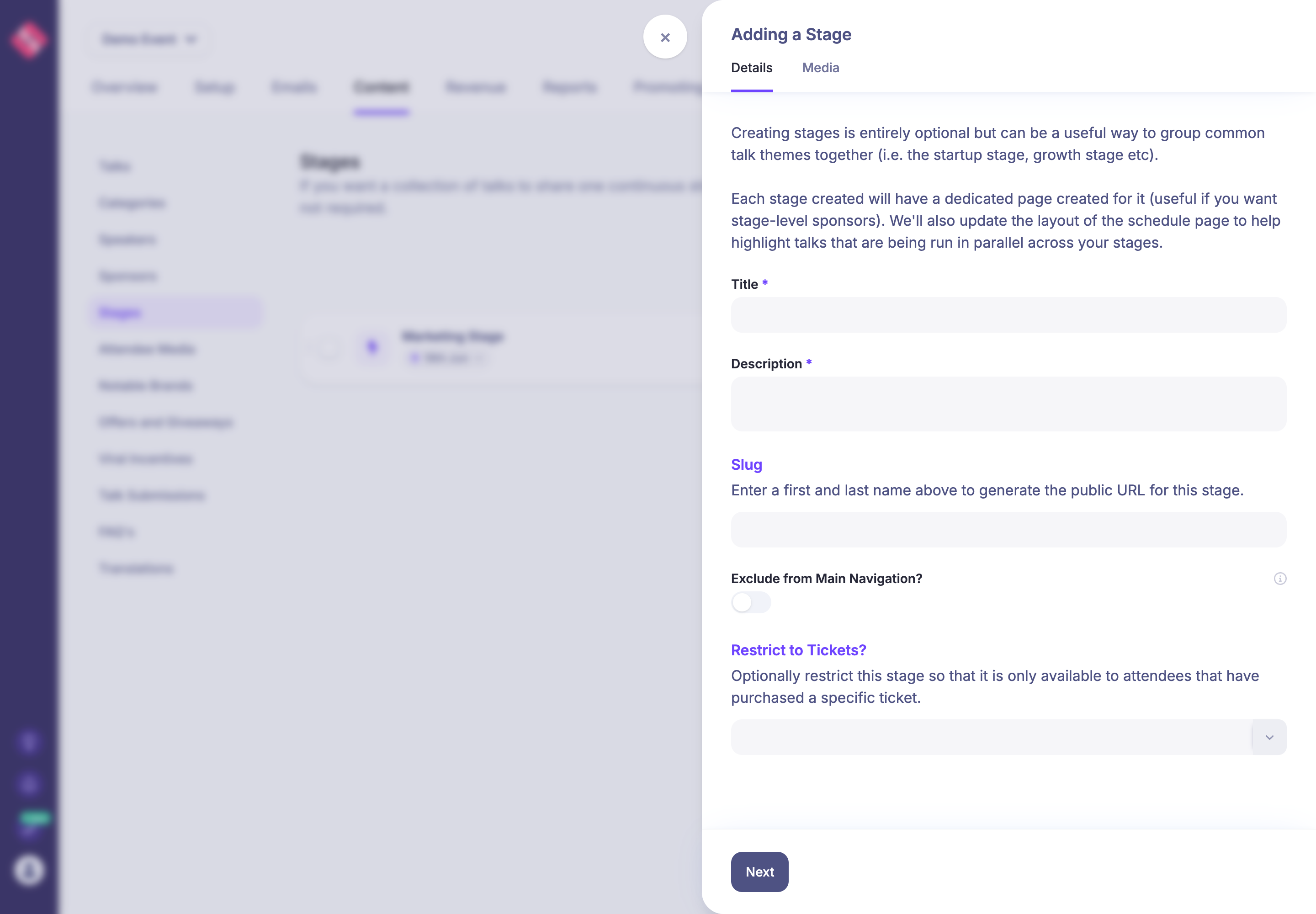
Stages can now be restricted to specific tickets from the stage setup form.
When you create or edit a stage, use the new Restrict to Tickets? field to choose the tickets that should be able to access that stage. Attendees without one of those tickets can still see the stage in menus and schedules, so it can work as an upgrade prompt, but the broadcast content itself stays locked when they try to open it.
This applies to stage broadcasts and automatic talk playlist stages, including the video and chat areas.
June 18th, 2026
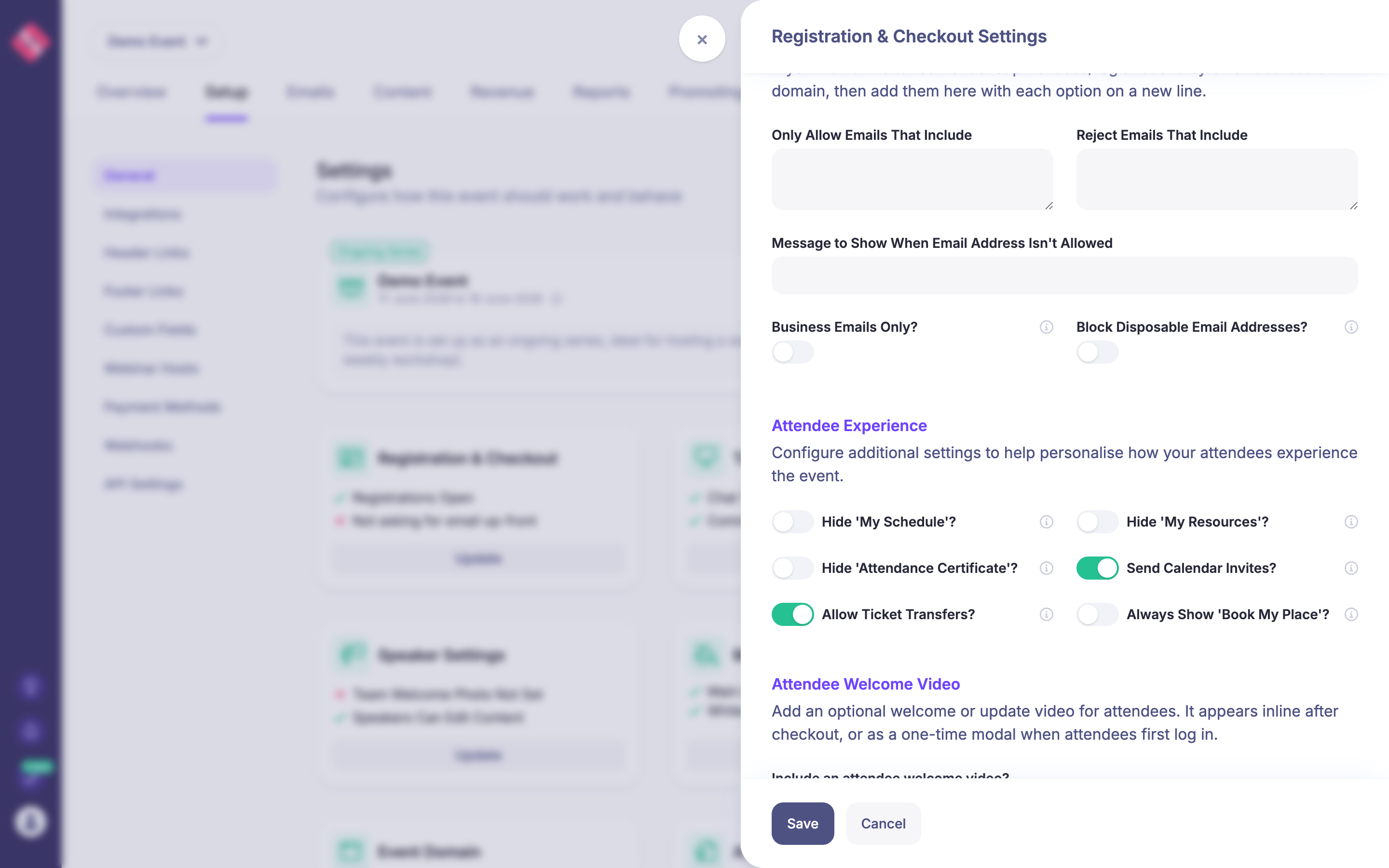
You can now hide the attendee-facing My Resources and Attendance Certificate pages from Registration & Checkout Settings.
This helps when you already send attendees to your own resource library, certificate page, or follow-up area and do not want duplicate links to appear in their HeySummit account navigation.
The new controls sit alongside the existing Hide My Schedule option in the Attendee Experience section, so the organiser can choose exactly which account pages attendees should see.