June 19th, 2026
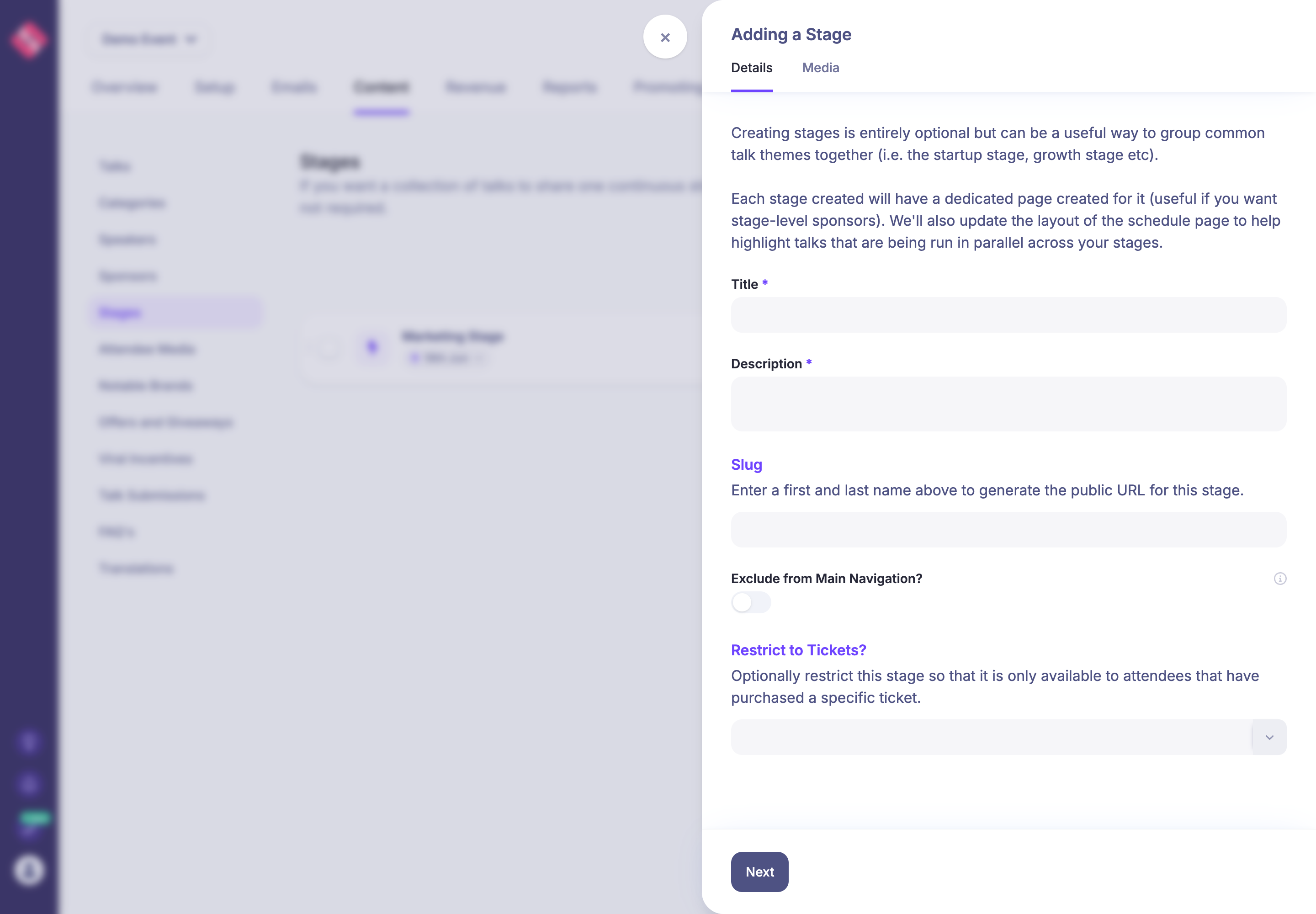
Restrict stages to selected tickets
Stages can now be restricted to specific tickets from the stage setup form.
When you create or edit a stage, use the new Restrict to Tickets? field to choose the tickets that should be able to access that stage. Attendees without one of those tickets can still see the stage in menus and schedules, so it can work as an upgrade prompt, but the broadcast content itself stays locked when they try to open it.
This applies to stage broadcasts and automatic talk playlist stages, including the video and chat areas.
Write a comment...