
new feature
Show session offers after the session starts
Benjamin DellFounder
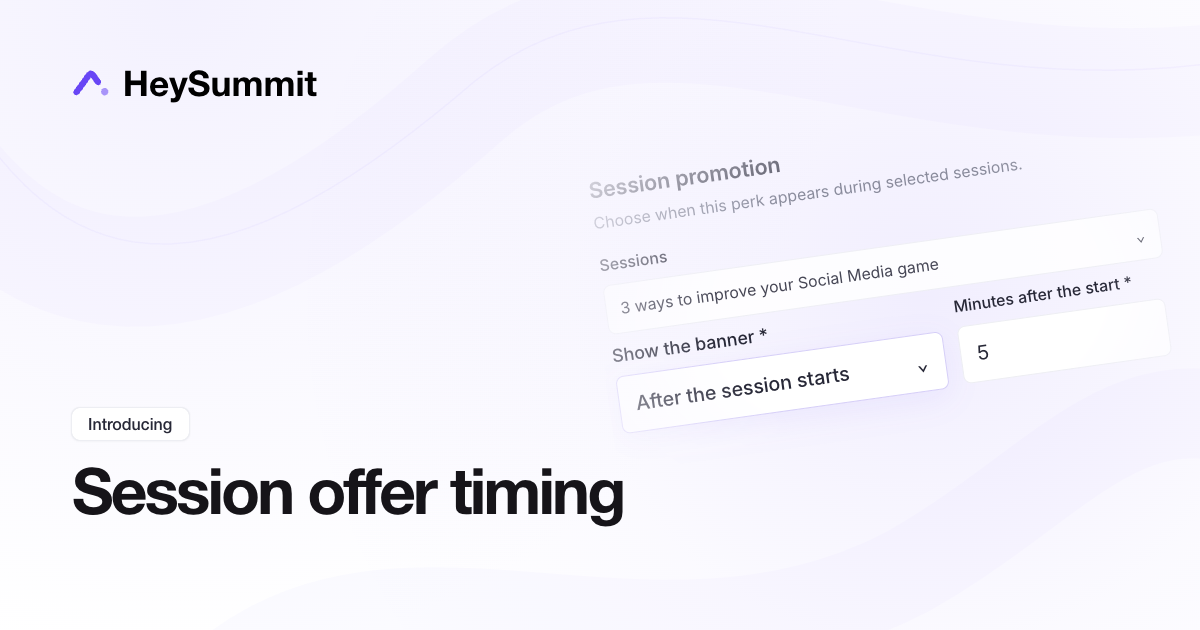
You can now time an offer, freebie or giveaway banner from a session's scheduled start as well as its end. Show it at the opening or a chosen number of minutes into the session.
In Marketing > Offers & Giveaways, edit a perk and open Visibility > Session promotion. Select the sessions, choose After the session starts, and enter the minutes. Enter 0 to reveal the banner at the scheduled start.
Timing follows the scheduled clock, rather than each attendee's video playback. Existing promotions keep their previous end-based timing.
new feature