
Share one conversation across alternative broadcasts
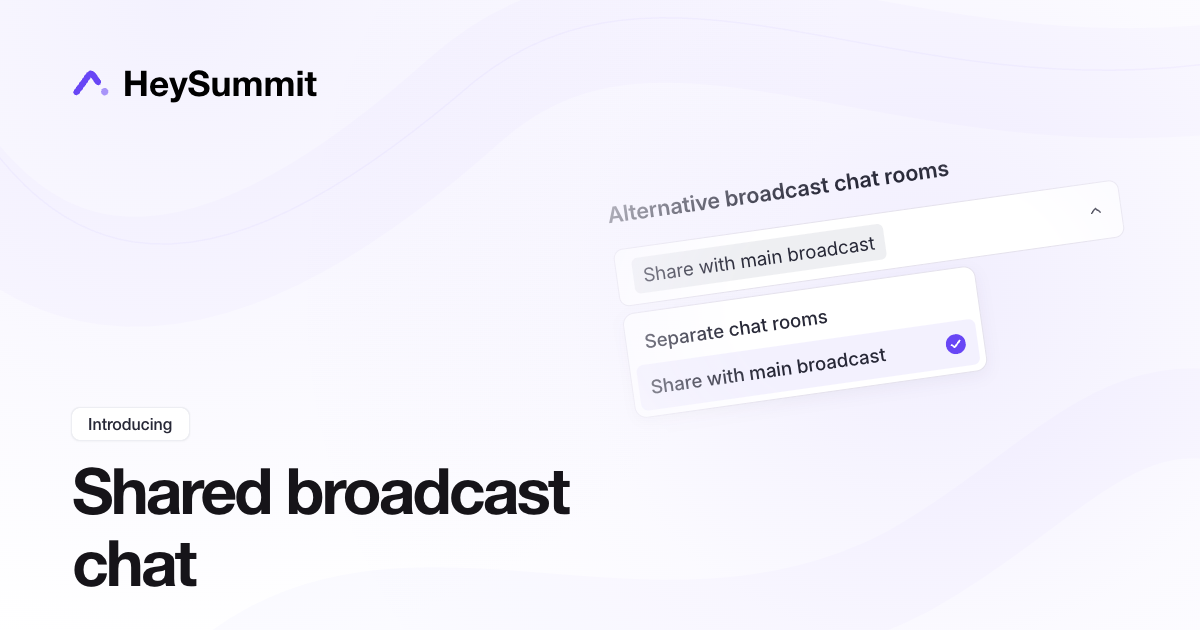
Attendees watching different versions of the same session can now join one conversation. Alternative broadcasts can share the main broadcast's chat, Q&A and polls, where those tools are enabled. It helps audiences watching translated or alternative streams participate together while choosing their own video.
Open Event Settings > Live & Replay Experience, then choose Share with main broadcast under Alternative broadcast chat rooms. The choice applies across the event. Each session shares with its own alternatives; unrelated sessions keep their own rooms.
Separate chat rooms remains the default. Ticket restrictions still control video access, but they do not make a shared conversation private. Keep separate rooms for private VIP discussion or conversations that should stay within a language group.
See Alternative Broadcast Options For Talks for setup and privacy guidance.