
new feature
See which campaigns drive event traffic

Benjamin DellFounder
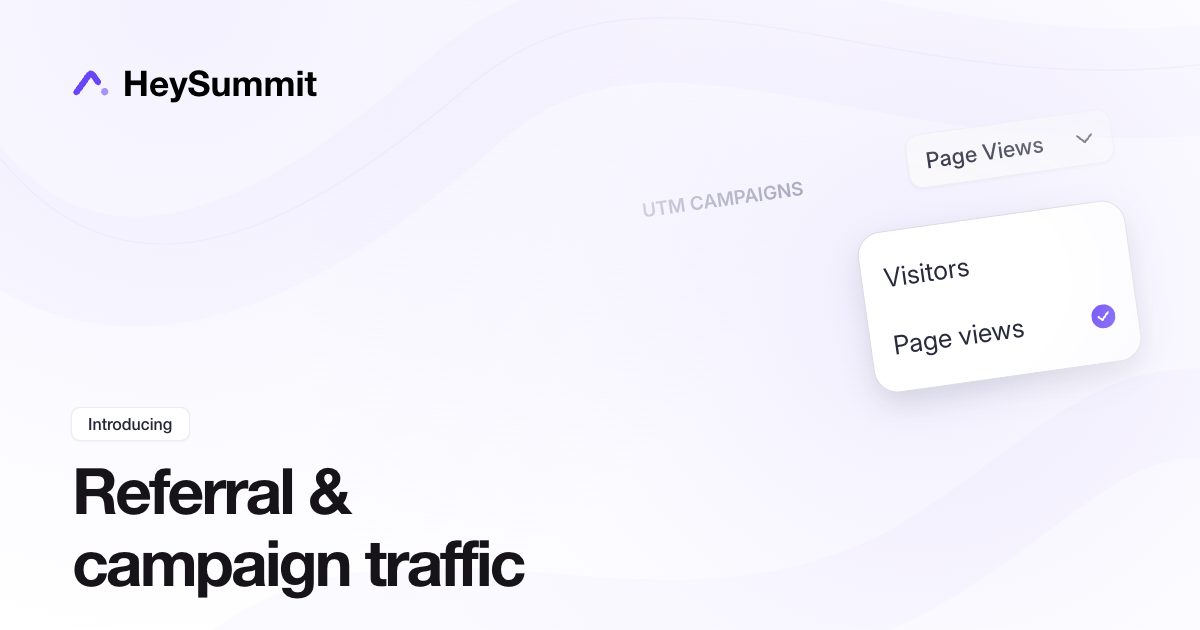
Compare traffic from presenter links, affiliates and UTM campaigns in Registration & Attendees > Attendee Insights. Switch each report between Visitors and Page views to see which sources bring browsers to your event website and how much activity they generate.
You can also choose presenter referrals, affiliate referrals or UTM campaigns in Home > Analytics > Traffic insights, then open the detailed reports with View audience insights.
The new reports collect traffic from when tracking became available, so they do not include earlier visits. They measure website traffic and leave attendee attribution and affiliate commission unchanged.
Learn how to interpret the reports: Understand referral and campaign traffic in Attendee Insights.
new feature