Review submissions and sponsor applications across your events

Benjamin DellFounder
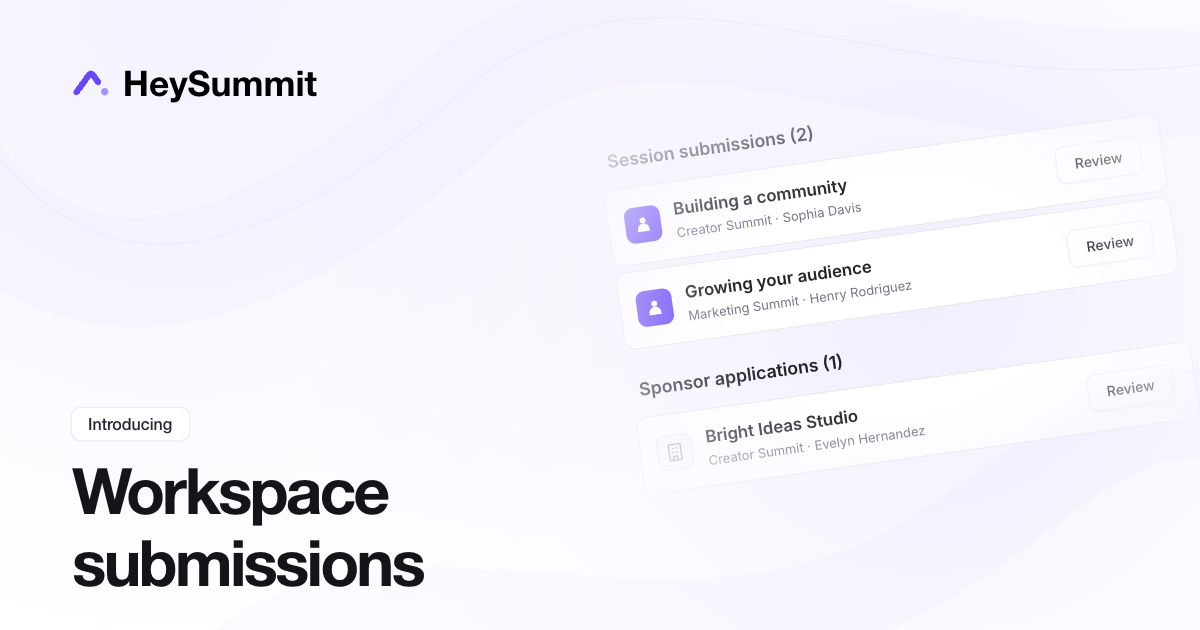
You can now see session submissions and sponsor applications awaiting review across all active events in a workspace.
Open your workspace dashboard and scroll to Session submissions and Sponsor applications at the bottom. Each section shows a total and the event behind each submission or application. Select Review to open that event's review list.
If you manage several events, this gives you one place to check what's waiting. You can still review items from each event's At a glance dashboard or its content and sponsor management areas.
Built from your feedback