
new feature
Review chat and poll activity across your sessions
Benjamin DellFounder
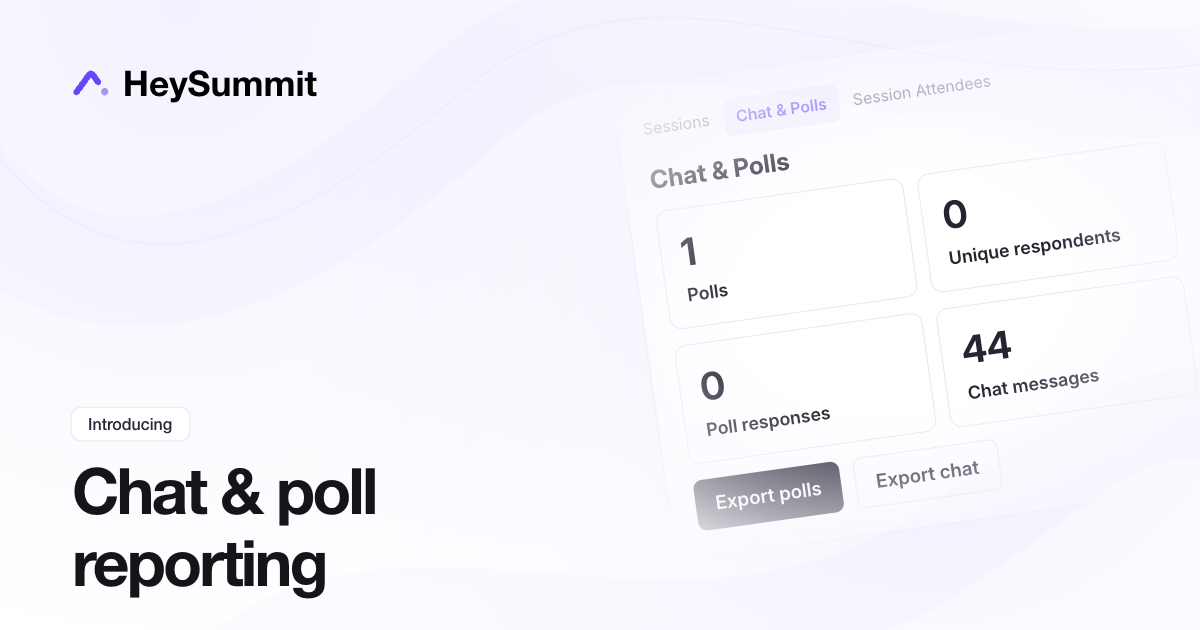
The new Chat & Polls report brings session participation into one place. See how many polls, unique respondents, poll answers and chat messages your sessions have collected.
Open Content & Schedule > Reports > Chat & Polls, then filter by session or scheduled session date. The date range follows your event timezone and includes later replay answers for those sessions.
Choose Export polls or Export chat to download the selected sessions' activity in one CSV. HeySummit emails you a download link when the file is ready, so you can prepare your post-event report without opening each session separately.
new feature