
security update
Restrict each integration to the events and permissions it needs

Benjamin DellFounder
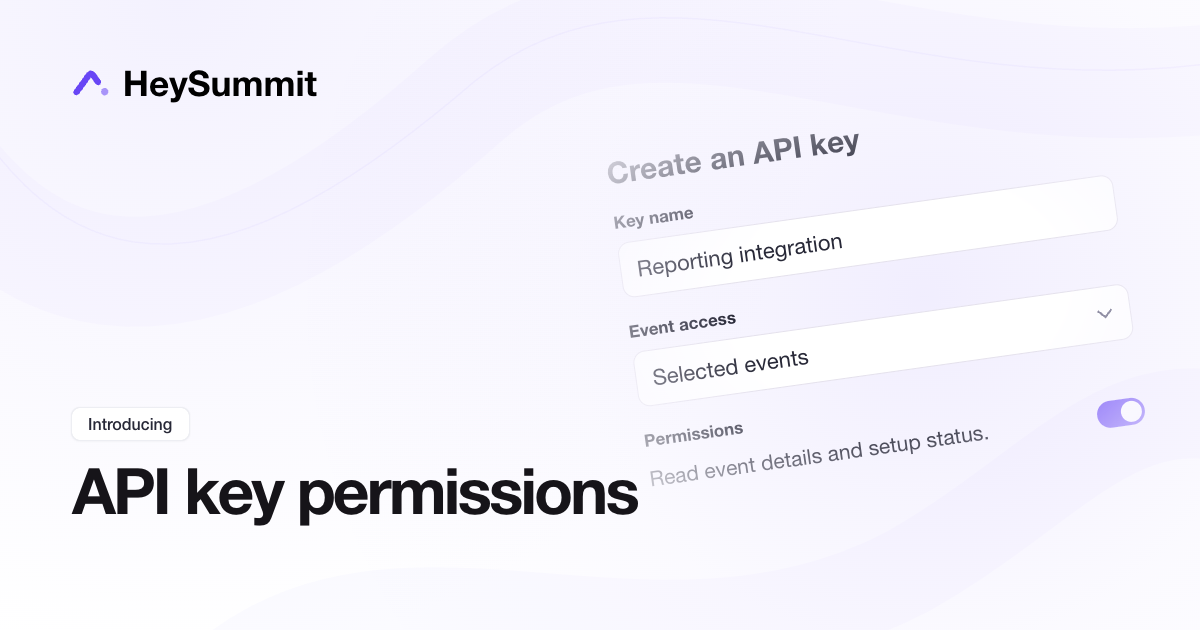
You can now create a separate API key for each integration and choose exactly which events and actions it can access. Give a reporting tool read access to one event, or let another integration update the records it needs, without sharing the same unrestricted key everywhere.
Open API keys in your account dashboard to create a named key, select its events and permissions, or rotate or revoke access. New MCP OAuth connections also let you choose event access when you authorize an AI assistant. Your existing HeySummit permissions and active paid-plan requirement still apply.
Restricted keys work with API v2 event endpoints and MCP. Keep your existing unrestricted token for legacy API, Zapier and account-wide webhook integrations.
security update