
new feature
Filter and export your event analytics

Benjamin DellFounder
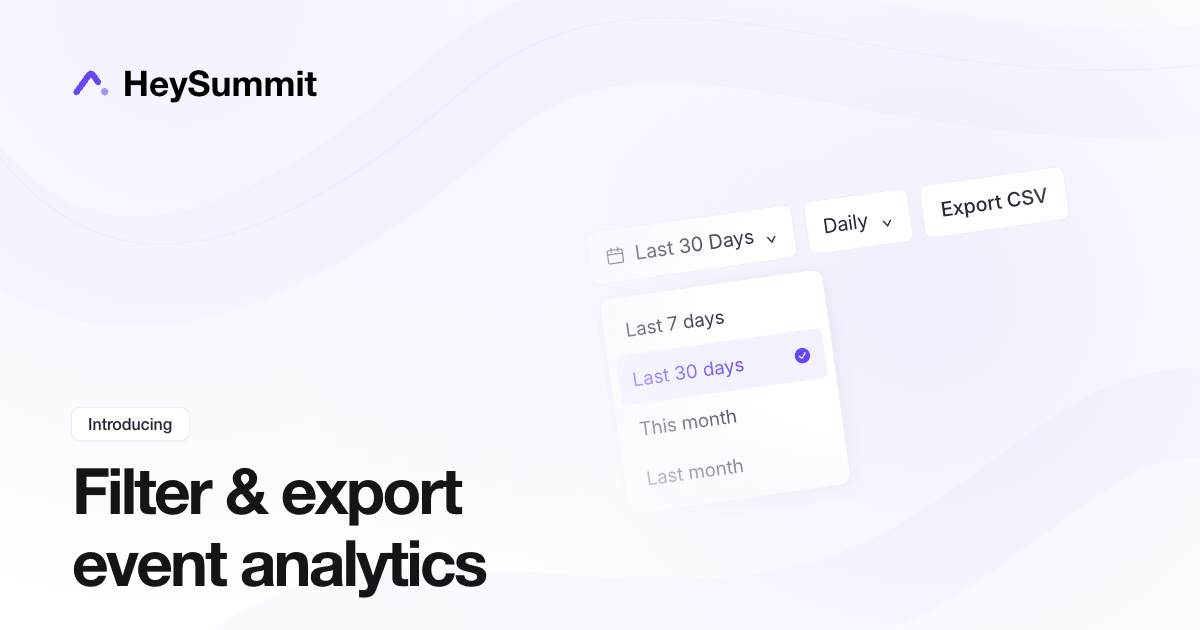
Choose the dates you want to report on and take your event analytics into a spreadsheet.
In Registration & Attendees > Attendee Insights, use a preset such as Last 7 days or Last 30 days, or select your own start and end dates. The reports update to match your selection.
Select Export CSV to download the report data for that period. The export includes the date range and reporting timezone, so you can share the results with your team or use them in your own reporting.
new feature