
Collect poll responses during replays
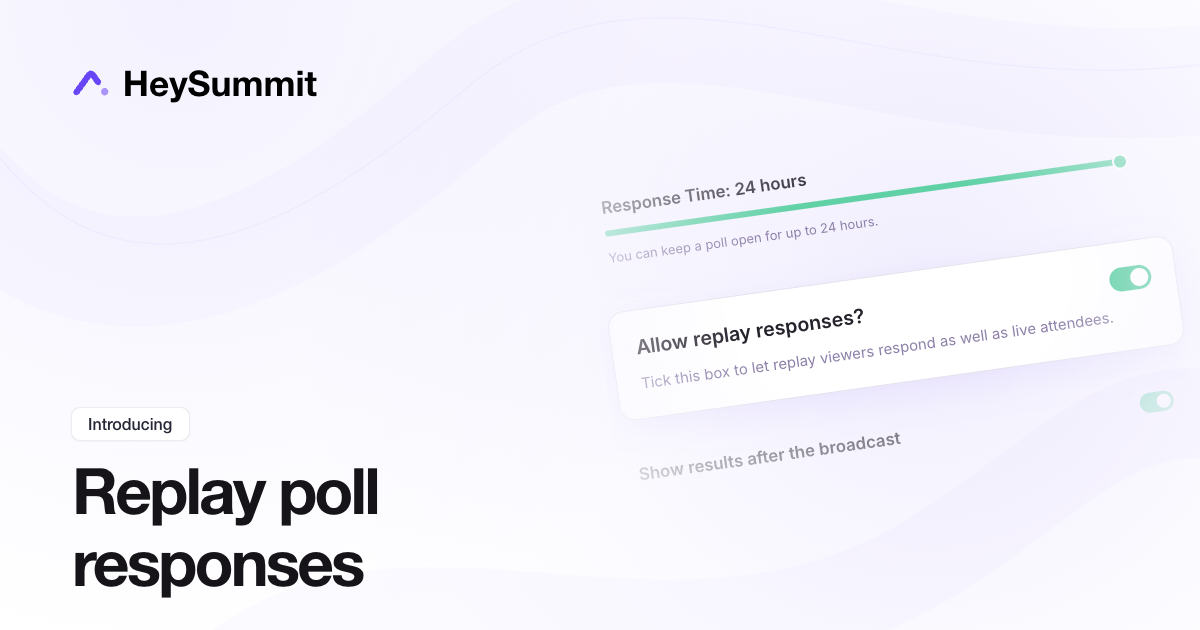
Replay viewers can now answer polls that ran during your broadcast. Results combine live and replay answers, with a Live/Replay breakdown available through Combined.
Open Audience Tools > Polls from your event dashboard and turn on Allow replay responses? when creating or editing a poll. You can change it later in Poll details and results, including after live voting closes.
Replay responses are optional and off by default. Each viewer has one hour from their first replay visit to respond, and one answer per person across live and replay. Only polls activated during the session being replayed are eligible. Closing live voting does not stop replay responses; disable replay acceptance separately.
Live poll response time can now be set up to 24 hours. Scheduled polls remain capped at the time left in the session. See the polling guide.