
Check session completion through a chosen date

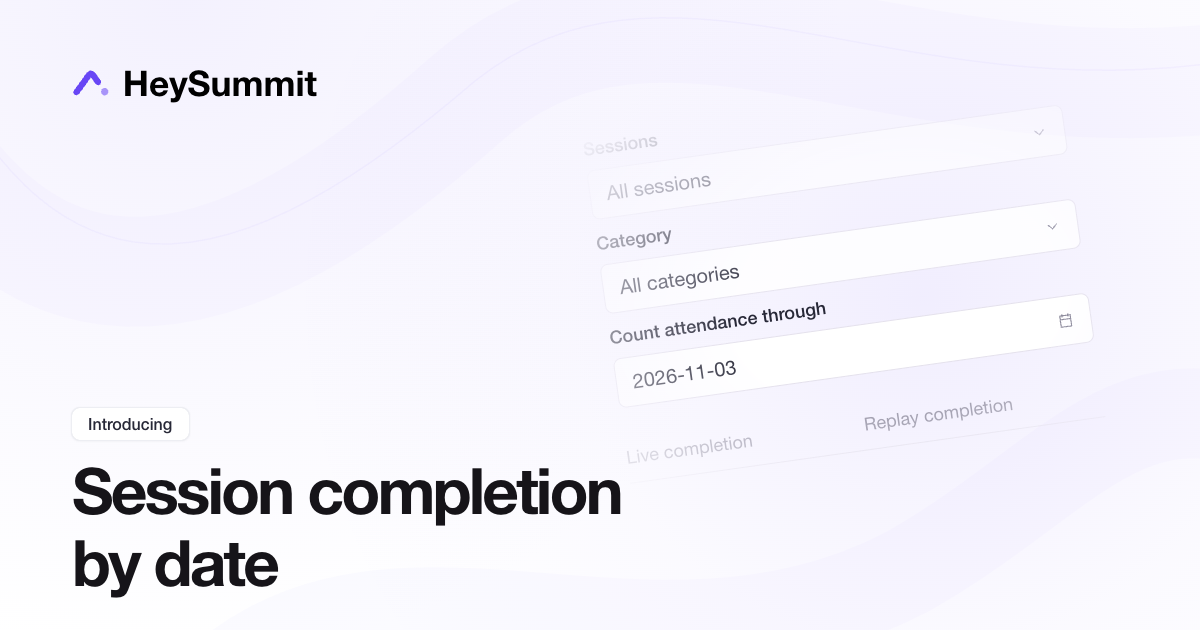
You can now review each attendee's live and replay completion across selected sessions or a category, and count recorded attendance through a chosen date.
Open Content & Schedule > Reports > Session Attendees. Choose your sessions or category, then set Count attendance through to include viewing up to the end of that date in your event's timezone. Leave it blank for all time. The report and CSV show live and replay completion separately, with viewing-duration insights available on Success-level plans.
Completion uses your current session lengths, Fully Attended Threshold and recorded attendance history, including later corrections. Missing history is marked as insufficient attendance data. Date-limited results are not frozen historical snapshots.