
- new feature
Invite your waitlist when registration opens
You can now invite people on your pre-registration list to complete registration as you publish your event. There is no need to export the list into a separate email campaign.
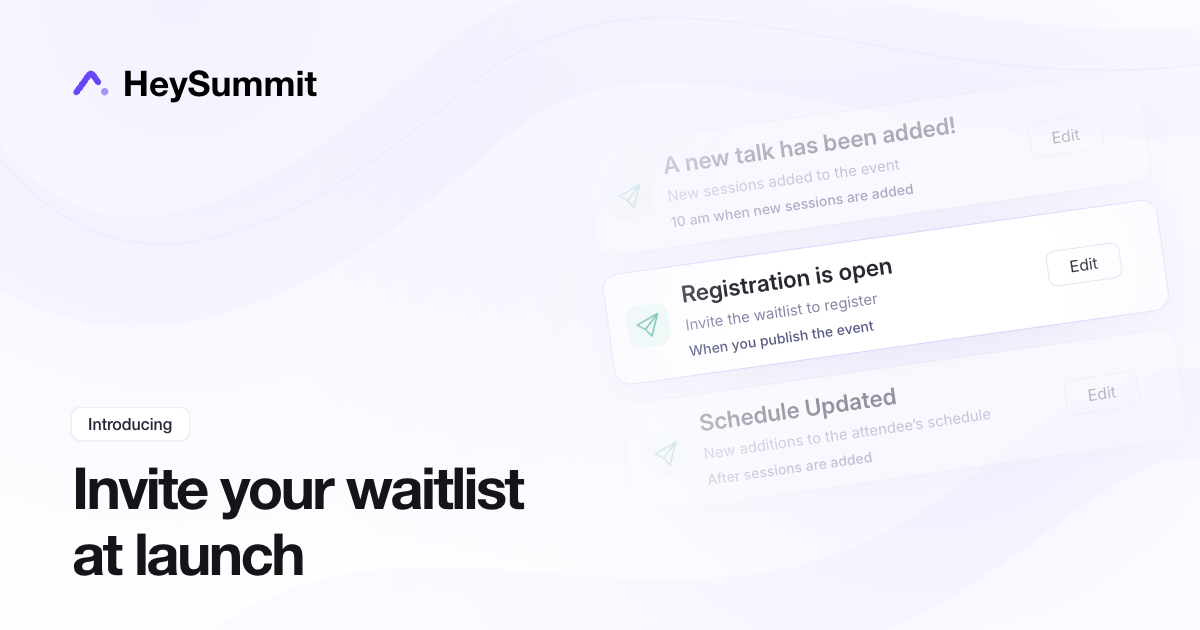
Open the Unpublished menu in your event dashboard and select Publish Event. When eligible people are on your waitlist, choose Publish and email waitlist to invite them, or Publish only to open the event without emailing them. Use Edit email to review the invitation first. You can also customise the Registration is open template under Email & SMS > Emails.
Invitations respect consent to event information and existing email restrictions. Each address is queued once per event. People still need to choose a ticket and finish registration; the invitation does not reserve a place or create a queue for sold-out sessions.
