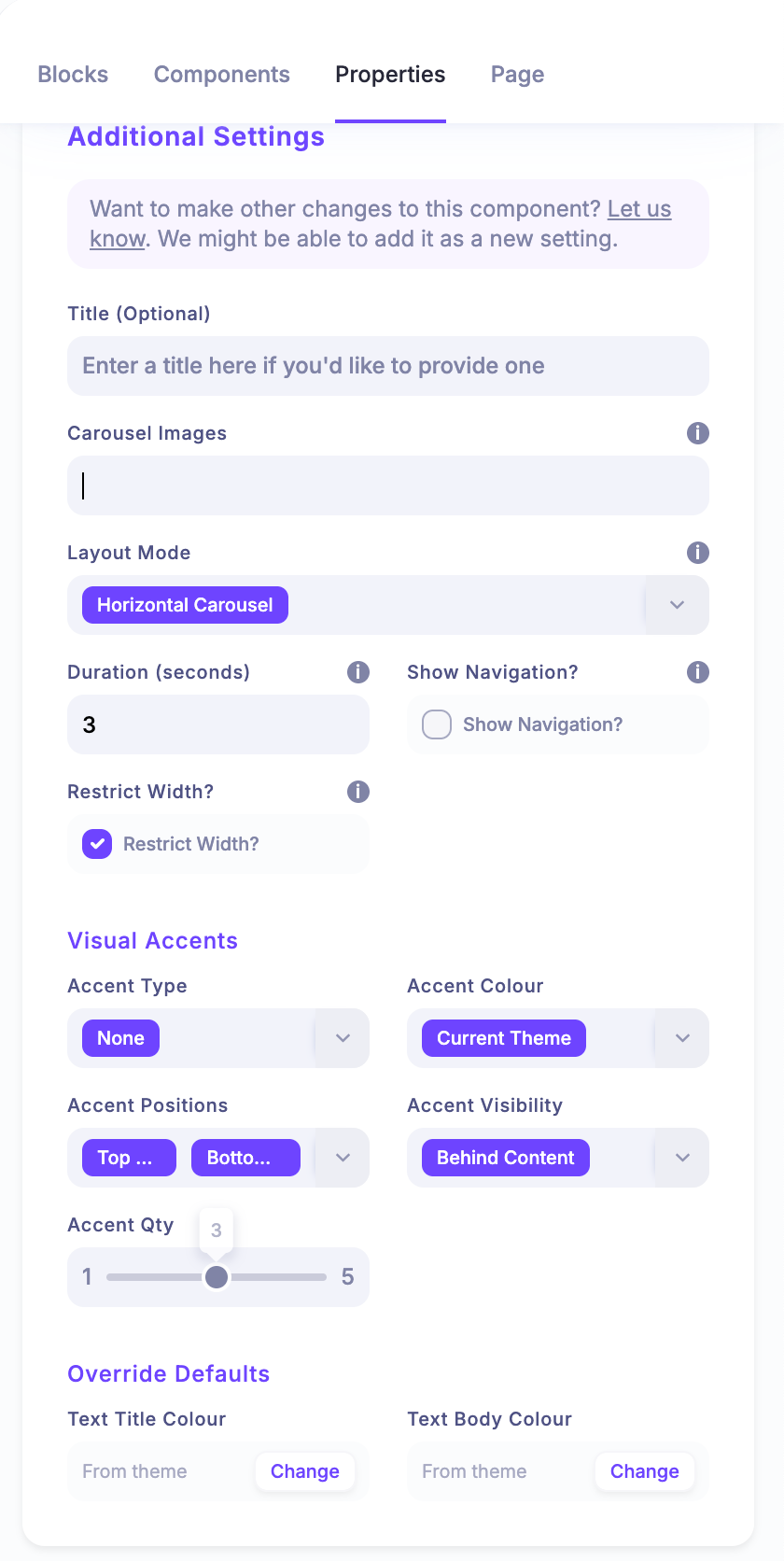
Where do we go to populate an Ad Carousel?
This is a page builder component, so you'll want to add that new component to a page and then head into the properties tab where you'll see the ability to add one or more images to the carousel.
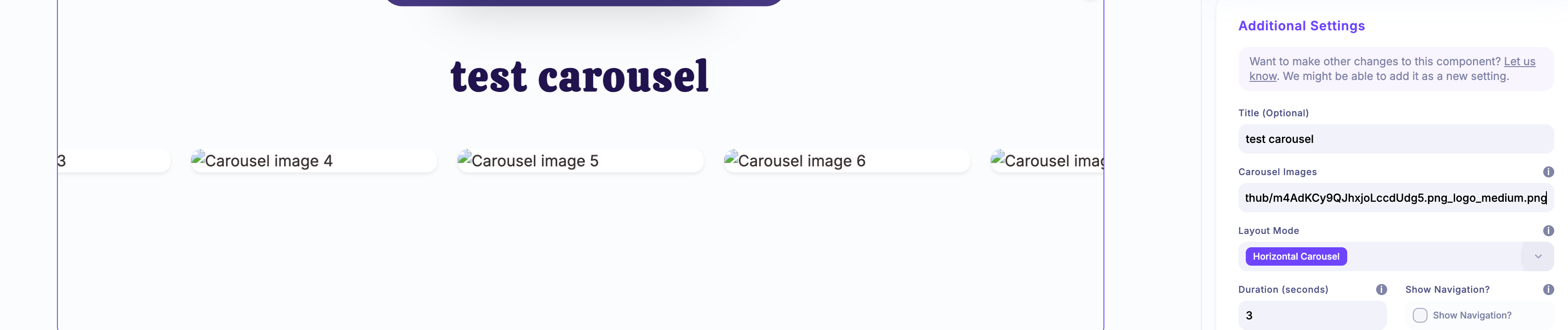
Need a hard refresh to see it. Looks good. But I do not see a way to upload the required images. Its a text entry box? Clicking it does nothing. I do not see how to actually add an image… clicking it does not bring me the upload box.. Entering a URL/URI here for an image generates a broken carousel
Looks like the cache hadnt caught up. If you try reloading now, that Carousel Images section shouldn't show a text area, and should instead show a dynamic form where you can add multiple images.
Indeed, it works now. Thank you!
Whoop, thanks for checking.
Think this might be pretty handy. If this is implemented, can we have it so that the individual images can be manually linked to external web page/s or indeed a ticket, sponsor booth, page or (specific?) chatroom in the lobby. In that way this would be far more versatile than just a carousel for sponsors. It could be a carousel for all manner of things with the right configuration. To be really useful, the ability to configure multiple carousels would be the ideal scenario.
Hi, just a quick note to let you know that this has now been deployed. https://heysummit.userjot.com/updates/p/showcase-your-conten…