
Sep 9
Ticket Sales Timer / Countdown Visible to Attendees
I’d love to suggest a feature enhancement for HeySummit that would significantly increase urgency and improve ticket conversion rates.
Currently, we can display low-ticket alerts (e.g. "Only X tickets left")—which is great! But I’d love the option to visibly show a countdown to when a ticket tier is expiring or becoming unavailable. This is especially useful for time-limited offers (like early bird tickets or fast-action bonuses), where the scarcity is based on time, not quantity.
I know we can expire tickets now on the back-end in terms of when they close date and time - but I want a Countdown visible to the Potential Attendees
Here’s what I’m envisioning:
- A toggle switch that enables a “Ticket Expiry Countdown” per ticket type.
- The ability to set when the countdown becomes visible, e.g., only start showing X days or hours before the ticket expires (just like how we can choose when to show low inventory notices).
- The countdown could show in formats like “3 days left at this price” or a visual countdown timer.
- Bonus: An option to highlight this visually in the ticket block, e.g., bold red text, small timer icon, etc.
This would help drive urgency and action, especially for summit hosts using tiered pricing strategies or time-limited bonus access.
Let me know if this is something that’s being considered or could be added to the roadmap—I think it could be a really powerful conversion feature.
Thanks again for the amazing platform you're building!
Completed
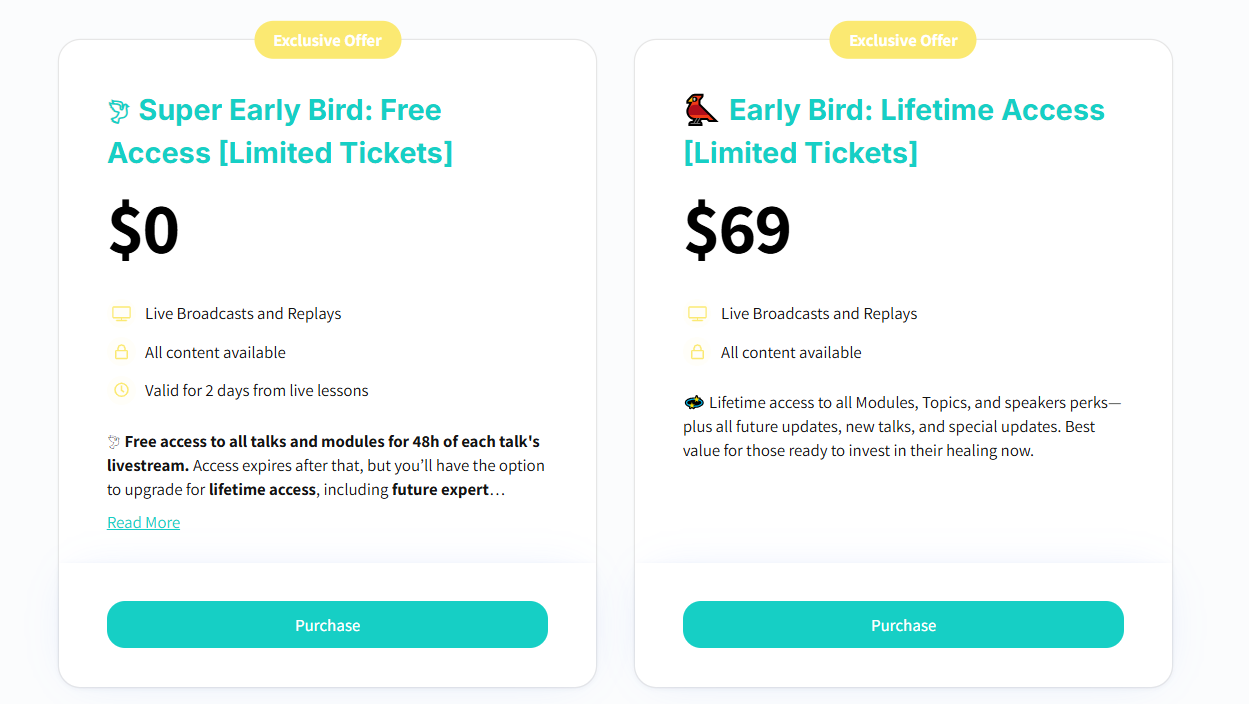
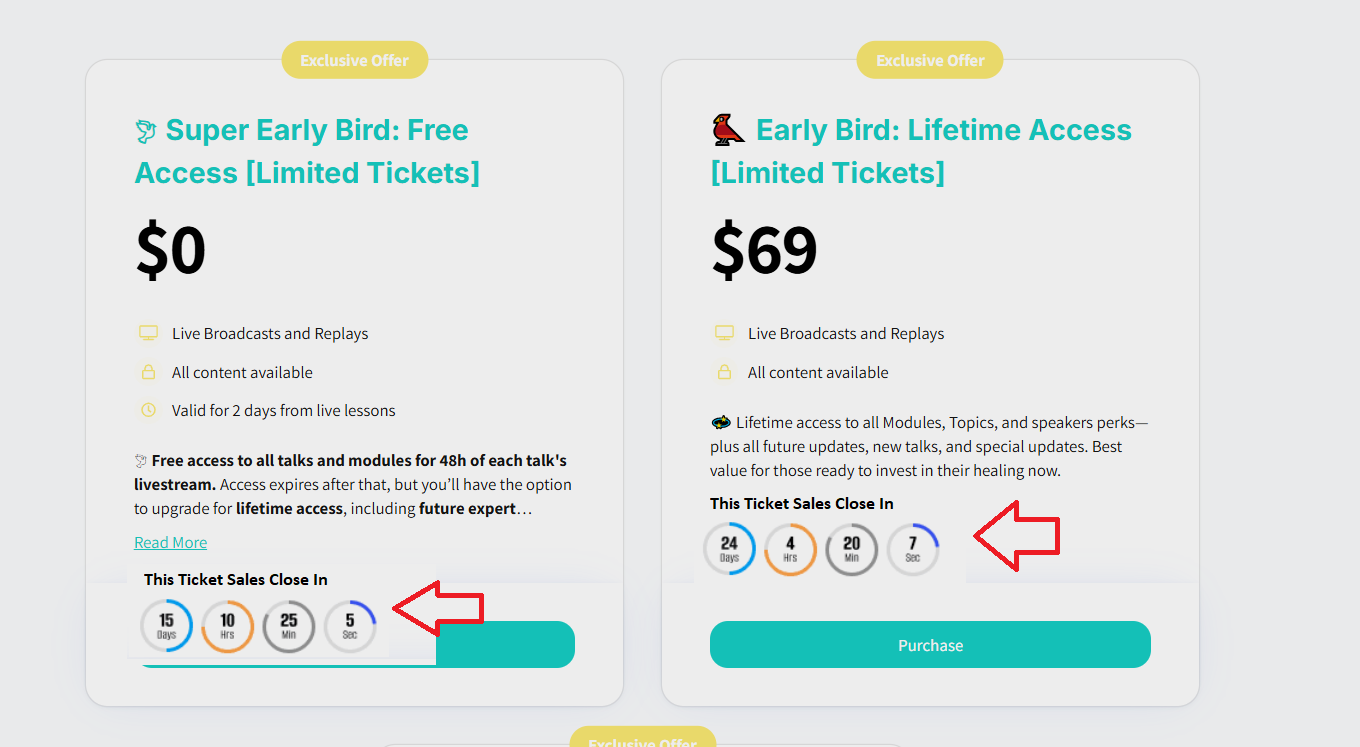
Hi Ben, The idea is for the timer to appear in the ticket’s box when people are on the landing page. I’ve seen this done for festivals - where there’s release of tickets in ‘batches’ for instance. I made a visual for what I’ve got in my head for HeySummit. So people can see that the Sales Window is different for different tickets and that if they miss getting a particular ticket they may be forced to buy later at a higher price. I hope this makes sense.