HeySummitH
HeySummit
4h ago

Nested Sub menu items

A request in three parts, one: please consider allowing nested sub items in menu’s two: allow us to create a Top Level menu item that leads nowhere just to be able to add content as a sub menue (not a huge deal, can always create landing pages) The third part is a bit of a bug report 🐞 Bug: Nested menus lose functionality and cannot be reordered Summary When you drag an existing nested menu into another existing nested menu (i.e., you merge one dropdown under another), the submenu items stop rendering in the interface. They also become impossible to move back out, there’s no way to promote them back to root or top-level position. Steps to reproduce 1. Create at least two nested (dropdown) menu items (let's call them Dropdown A and Dropdown B), each containing one or more submenu items. In my case I tried to move “venues” to underneath library. 2. Use the drag-and-drop interface to move Dropdown A under Dropdown B—thus making A a child of B. 3. Observe that the submenu items originally under Dropdown A no longer display at all (even when you expand B). 4. Attempt to move those submenu items back to root or top level — there is no drag-handle or option to re-position them upward. Actual behavior - Submenu items are no longer visible after the move. - They cannot be dragged or promoted out of their new parent container. - No UI handles or hierarchy controls appear to let you restore them to top level. Expected behavior - Submenu items remain visible and movable after nesting. - You should be able to drag any menu item (including nested submenu) freely at any hierarchy level, both downward and upward. - The interface should preserve visibility and allow restructuring of the menu tree. Impact - Users lose visibility of menu items accidentally demoted under another menu. - It becomes impossible to reorganize menus without re-creating items manually. - Risk of lost menu entries in published events or navigation. In our case all venues.

CompletedCompleted

2 hours ago

All works as expected. Tested and fine. Thanks again Ben

2 hours ago

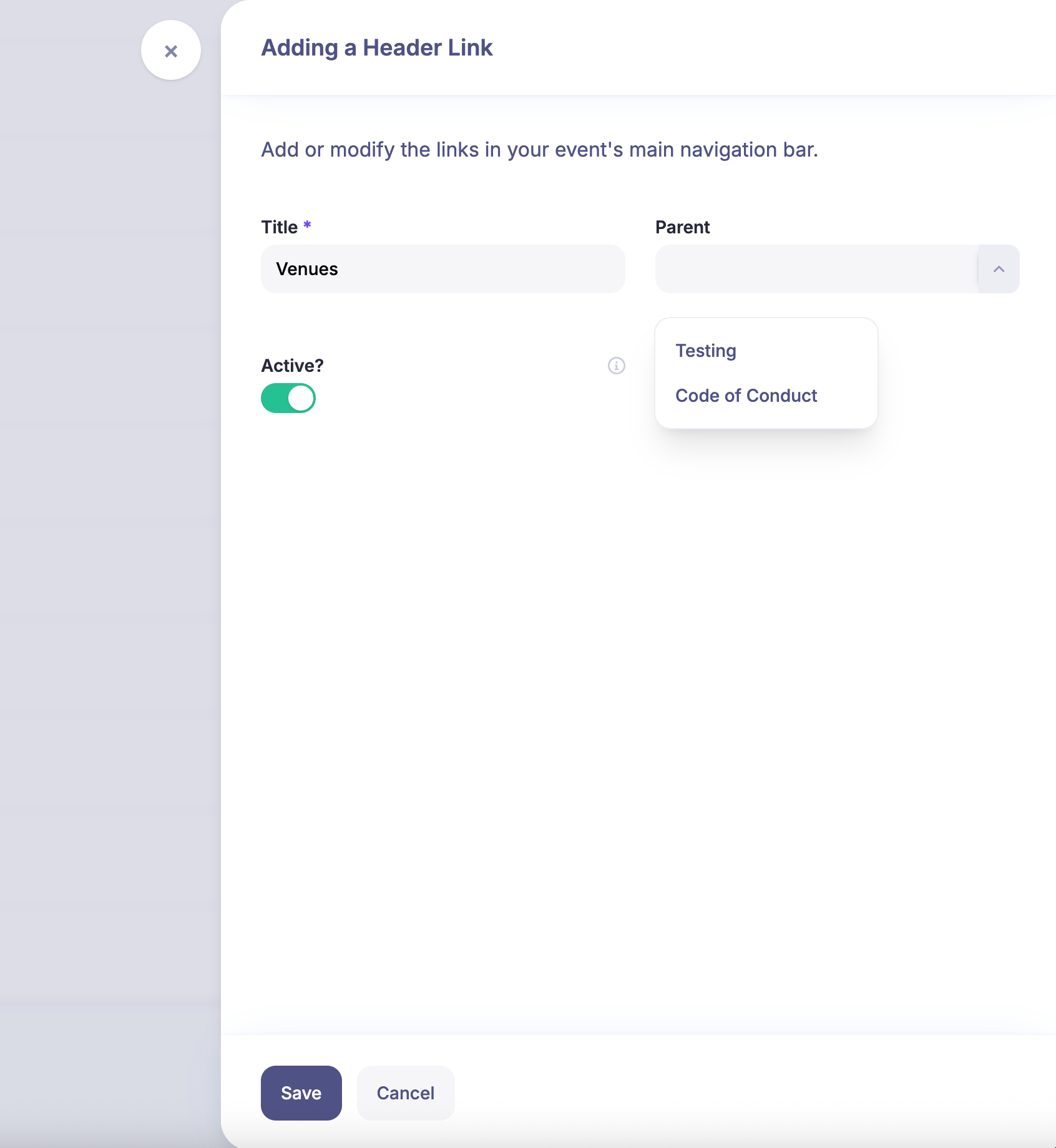
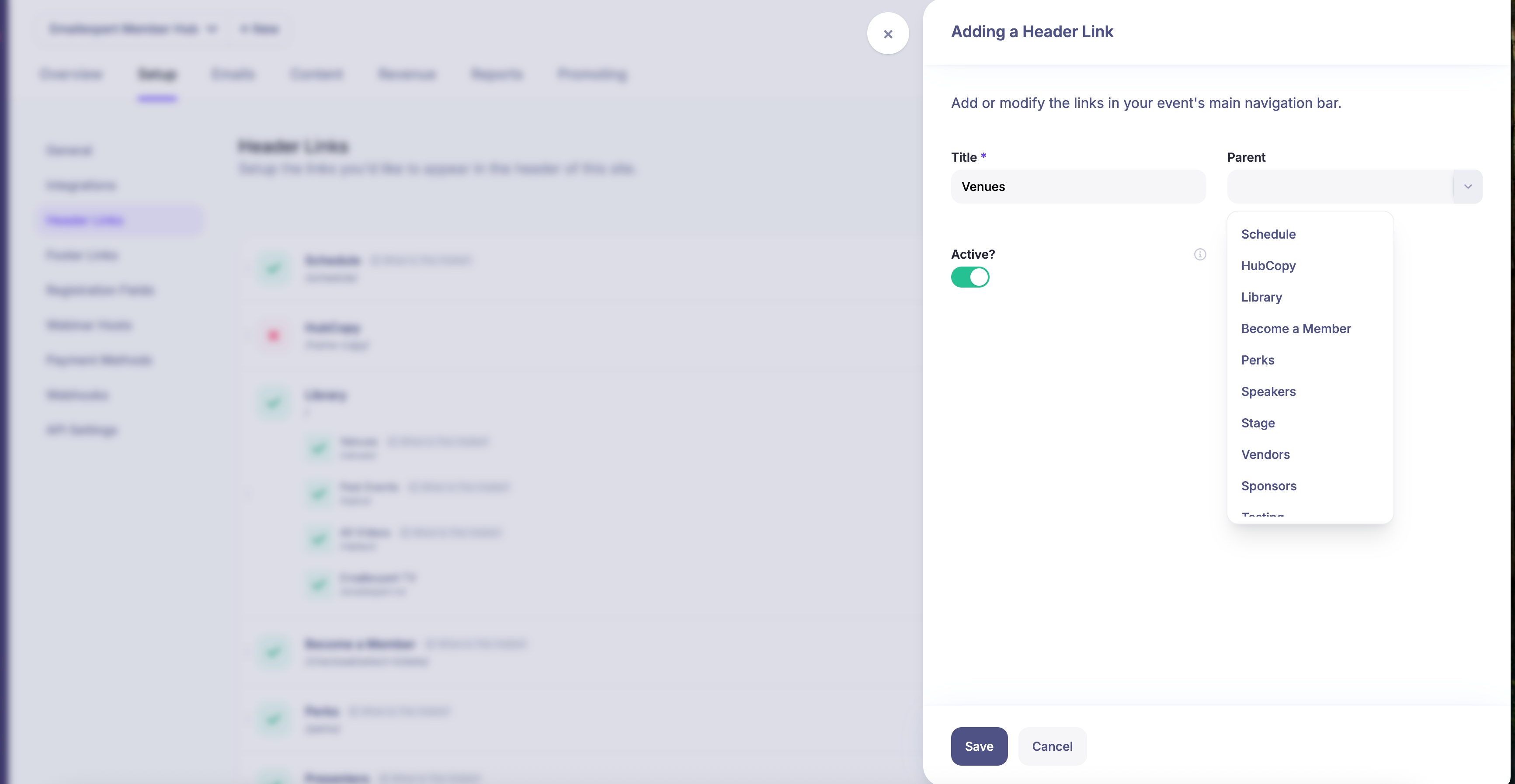
@ben quick headsup that the logic you put in place which meant you could not assign a set of nested items to another top level item is still there. So I cannot move venues under library for example… see screengrab below

2 hours ago

Hi, Andrew. Can you confirm exactly which parent you're trying to link it to? Note that you can only link new head links to custom parents, not to system parents (i.e. you can't create a nested menu underneath schedule or replays or speakers, etc. as those are reserved menus).

2 hours ago

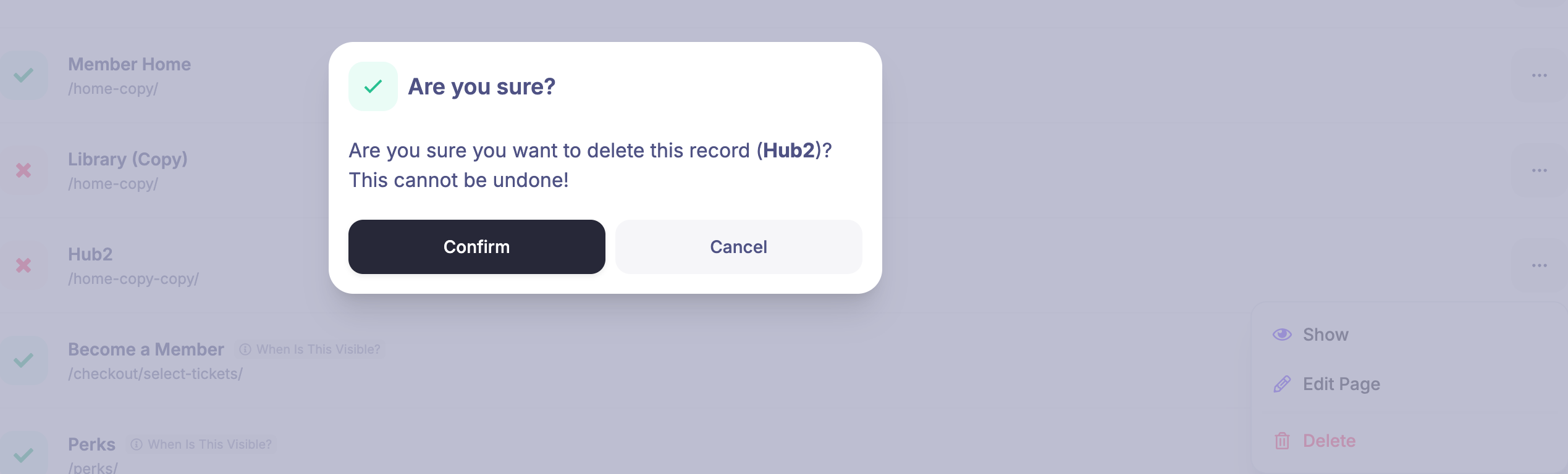
Thanks for the explanation @ben , makes sense. I get it, so you cannot use a system menu and add to that. That was what I had initially planned to do. So this is not a bug but not intentional. I will have a play now, and find a way to work within the limitation. That does not appear to be a big issue, knowing that limitation, I will just move the reserved system menu when necessary into a new custom top level page. That will work fine for me. On a similar but not wholly related topic. If you duplicate a system page. the duplicate is also considered a system reserved page, so you can never actually delete it .. even though it is not a real system page but a copy you get the error: It is not the biggest issue at all to resolve as customers will never see it. However when duplicating a page that was a system page it does mean you cannot change the URL slug. Which was another issue confusing me, but is clearer now why its happening.

2 hours ago

With regards to the duplicate issue you mentioned, not sure if I'm being completely stupid here and need another coffee, but I don't think we have the ability to clone header links. Can you point me where in the system you are doing that?

2 hours ago

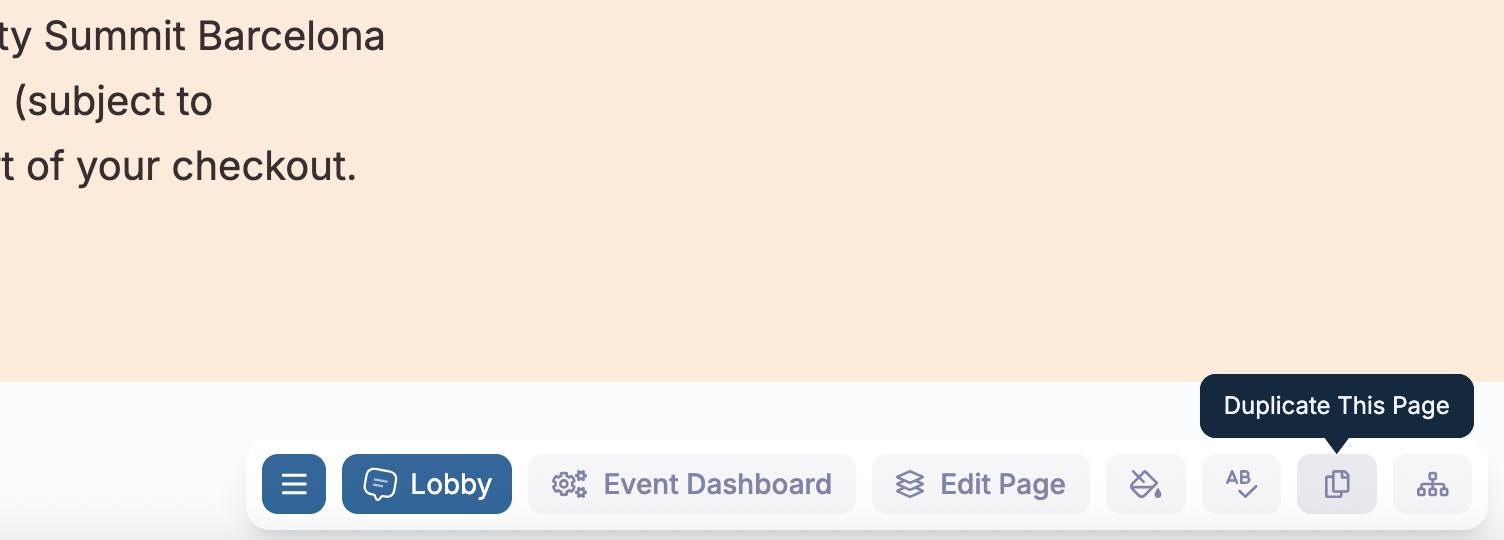
you can literally duplicate any page. but if its page the system initially created the duplicate is also subject to protections. Front end “DUPLICATE THIS PAGE” :=)

2 hours ago

Still not seeing what I would expect. I created a brand new Top Level Page (wish I could just use a # and not actually have a page for that, but in any case) I then assigned the Video library as a sub menu, that worked. But I added sponsors and venues and that does not work. You can not nest those items Is this expected behaviour? I was hoping for an arrow next to venues that would show a drop down list of venues, same with the sponsors. I can work around whatever limitations there are, just trying to understand them.

2 hours ago

Okay, firstly we've fixed the issue when duplicating landing pages as that should make the cloned copy of that deletable, which it now is. Though note that this won't retrofit retrospectively, so if you do need us to manually delete anything, let us know. Note also that duplicating the page is only available on non-system pages (with the slight exception being the landing page which is a pseudo page between the two - i.e. you won't see that duplicate this page option for schedule replays, speakers etc). Secondly, re: your question about linking sponsors and venues etc within a parent, we hadn't considered that scenario fully, so apologies for missing that. We've just created a fix that will allow nested drop-downs deriving from dynamic menus (dynamic system menus such as venues or sponsors etc) to now be fully workable within a parent drop-down. This update hasn't been rolled out yet, but will be in the next hour or two.

2 hours ago

Amazing, thanks so much for turning this around so quickly. Really appreciate that! Will drop you a note with pages to delete later, no rush at this time.

2 hours ago

No worries and sounds good.

2 hours ago

Hi Andrew, Thanks for sending this through. We'll take a proper look at this over the next couple of days and iron out the issues you've noted here. If I have any further questions, I'll let you know. Many thanks.

2 hours ago

thanks Ben

2 hours ago

I actually took another deeper look, and we can edit the menu from the back end of the site The menu navigation, is in fact much easier there than the front end. I could resolve my problem. Nested menu’s are nice, but the bug is not an issue I have a workaround, use the backend. Thanks again

2 hours ago

Thanks for following up. We’ll still take a look regardless as it sounds like there might be a disconnect between the front end nav editor and the one in the dashboard.

2 hours ago

Hey Andrew, just a quick note to let you know that we've rolled out a couple of tweaks and improvements regarding the front-end editor for Page Links as well as the form in the dashboard. Just to tidy up a bit of the functionality. Some based on your feedback and some other tweaks that we've discovered along the way. If you do spot anything else, obviously let us know.

2 hours ago

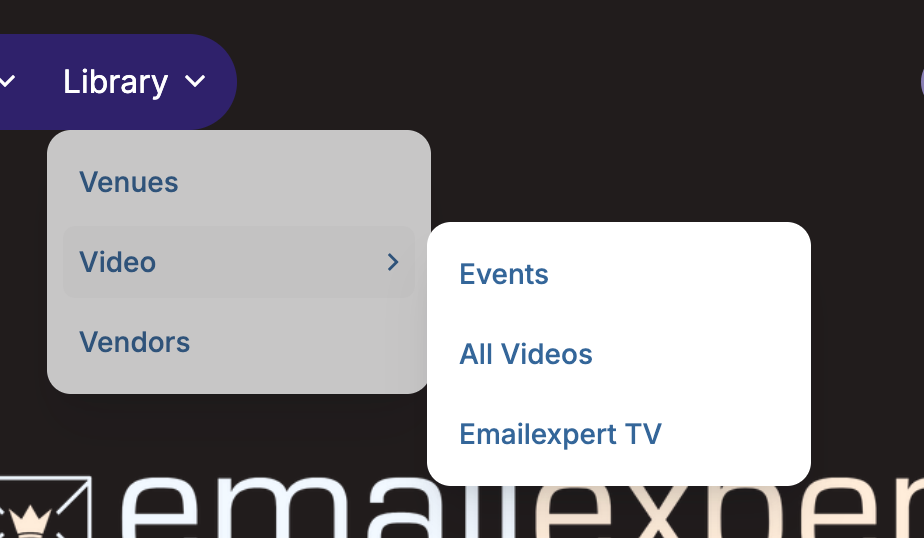
Seems to all work, so I cannot move a nested menu somewhere that is not supported. Hopefully we can revist the ability to actually have nested sub menu’s (such that Resources could be a top level category in the header, venues could be under that for example and expand to show its nested menu items). Hope that makes sense. Have a great weekend.

2 hours ago

Ah, yes, I should have mentioned it's not currently set up to allow multiple nested menus (just one level, so a parent and then children). If this is going to be an issue for you, let me know, and we can schedule some work in for next week to handle up to two levels of nested menus.

2 hours ago

Two level nested menu’s would do the trick nicely. The experience will get unwieldy with everything at the top level, UX would be vastly more logical and intuitive with two levels of nested menus. Appreciate this! #thankyou

2 hours ago

So just to be clear - you want a dropdowm within a dropdown? I.e Level 1 - Level 2 - Level 2 - Level 3 - Level 3 - Level 2

2 hours ago

Exactly that. To try and keep the top level (Level 1) navigation tidy (ie no more than 6 or 7 links). I imagine this is a feature only particularly useful for those subset of users running an always on event or community. This is not going to be a problem not to have immediately, that said we would use it the moment it was implemented.

2 hours ago

Thanks - we should be able to roll this out this week.

2 hours ago

Hey Andrew - just a quick update to let you know that this is now live: https://heysummit.userjot.com/updates/p/enhanced-header-navi…

2 hours ago

Thanks so much. Already firing up page editor now :=)

2 hours ago

:)