
Sep 9
Link Agenda Items
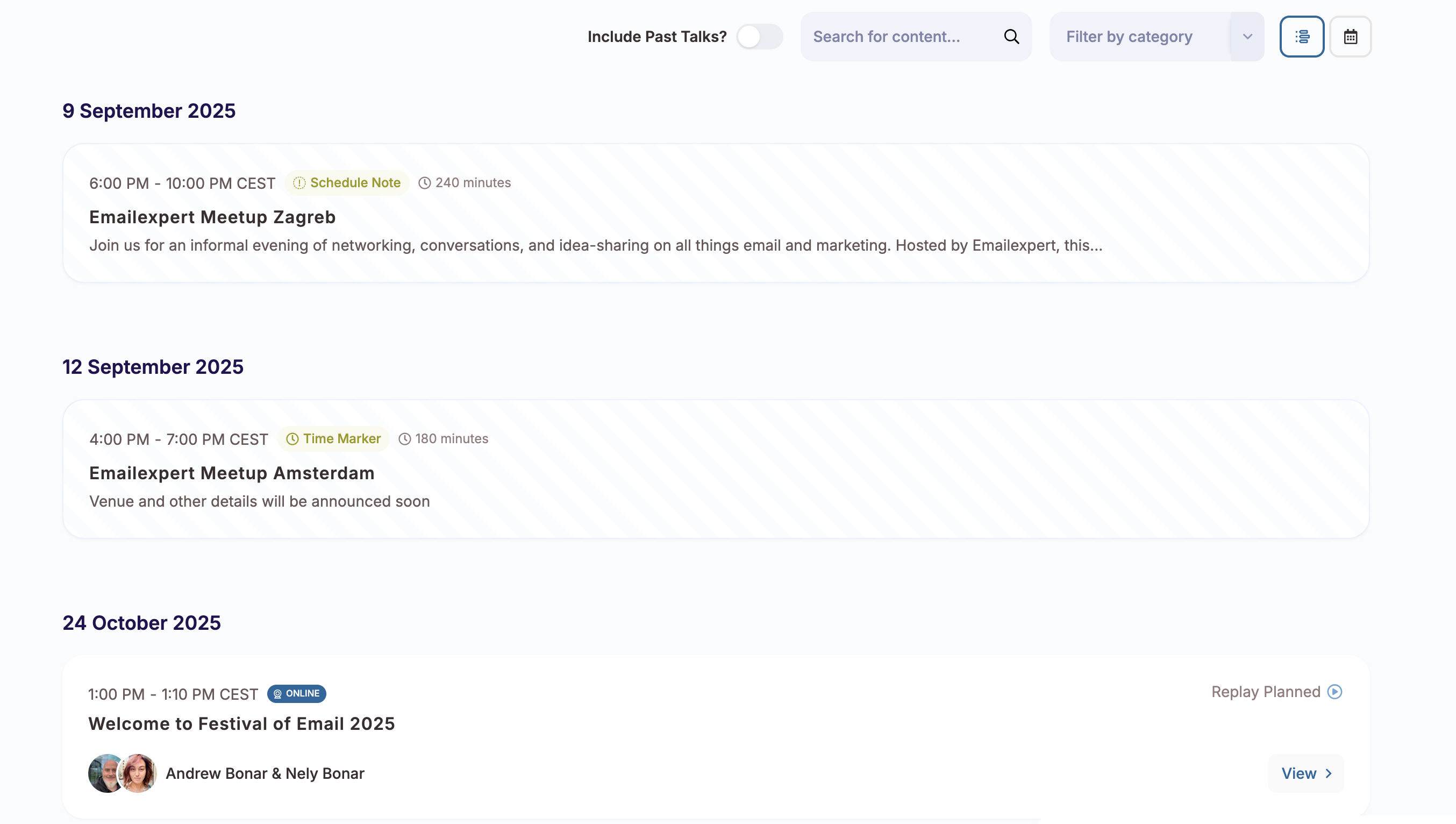
Current Situation: We use agenda items as time markers for in-person meetups, which effectively communicates upcoming events to members.
Requested Feature: Add the ability to link agenda items to external URLs, making each agenda item clickable.
Use Case: When members view an agenda item, they could click directly on it to:
- Access registration/ticketing pages
- Visit custom landing pages for specific events
- Link to additional event resources or information
Business Value:
- Streamlines the user journey from agenda viewing to in person event registration
- Reduces friction in the conversion process
- Provides flexibility to direct users to customised landing pages for meetups, networking events both online and offline etc.
- Enhances the utility of agenda items beyond just time markers
Implementation:
- Add an optional "External URL" field when creating/editing agenda items
- Make agenda items with URLs clickable in the member interface
- Consider visual indicators (like a small link icon) to show which items are clickable
This would transform agenda items from passive information displays into active conversion tools while maintaining their current time-marking functionality.
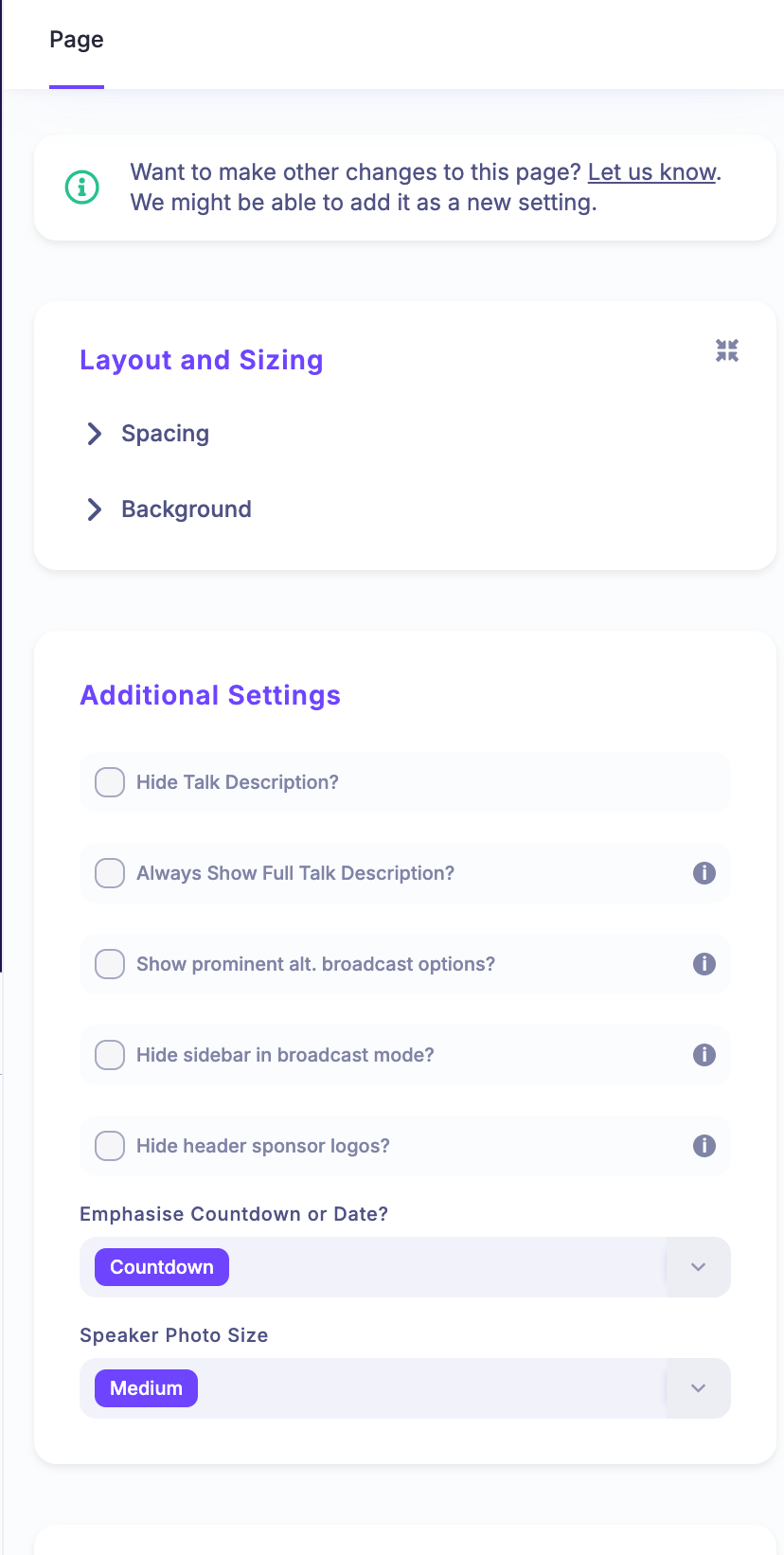
I do note that their exists the ability for an agenda item to have a custom page automatically generated. However there seems to be minimal abilities to customise that page. I assume enabling a custom page would link the agenda item to that system generated page. If we had full editorial control over that page it would eliminate the need for the above.
Maybe their is a better user flow than this, if so I am all ears :=)
Completed
Hi Andrew. This has now been delivered. Please see the changelog below for further information. https://heysummit.userjot.com/updates/p/more-flexibility-for…