
Sep 9
Larger size for custom chat script
Hi guys,
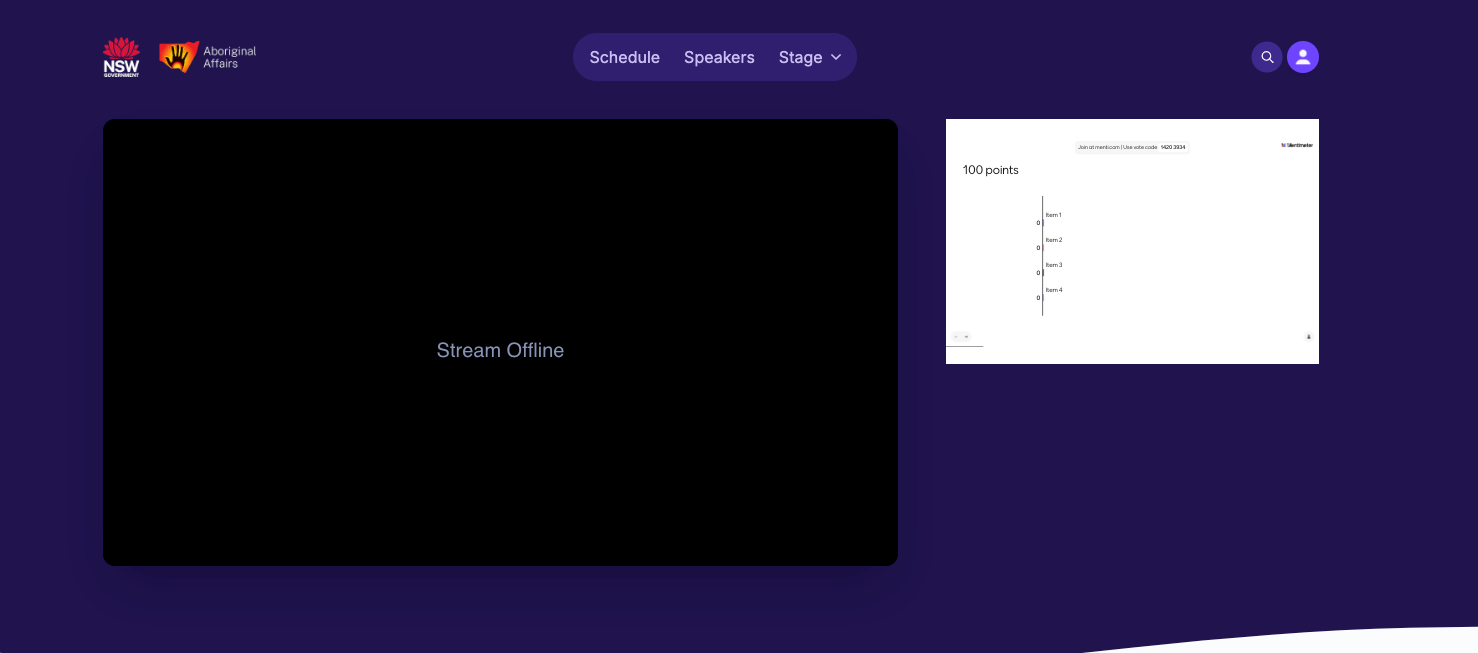
We are embedding Mentimeter into a Stage broadcast for an upcoming event so have pasted the embed code int the custom chat script area for the stage but when I Preview the Broadcast view, the embed code is small and can hardly see the slides and seems to be cut off inside the embed window. Can this embed window be made larger?
Closed
Hey Luke, thanks for sharing this. It's always useful to see how the feature is being used. That being said, the intention of this custom chat script is to embed a chat component which typically will fit neatly into that sort of space. If you're looking to share slides and more media-focused content, you're probably going to want to do that in the main stream itself as part of that presentation. As such, and for now, I'll park this feature in case we see additional feedback from other members in the community. Many thanks again for sharing!