
Sep 9
Ability to move auto generated text in transactional emails
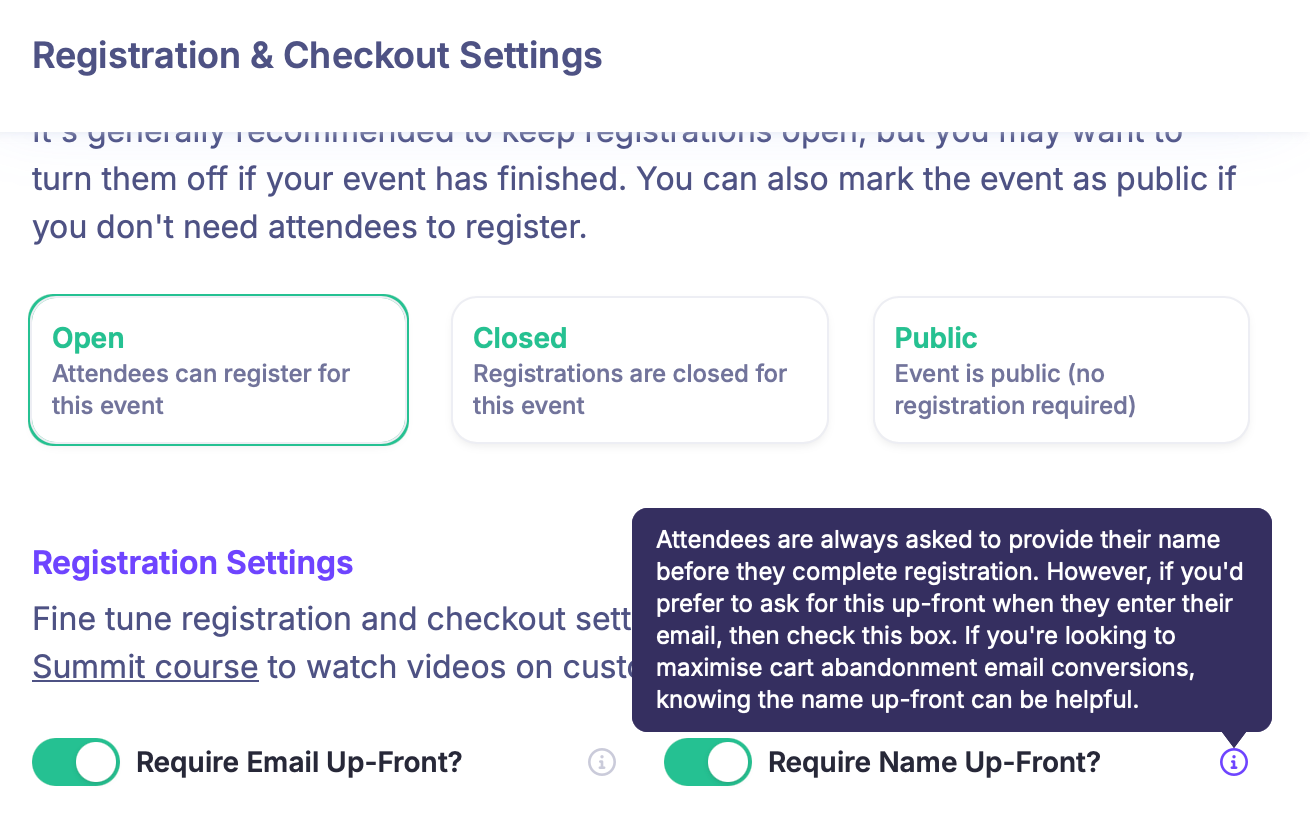
In the Registration & Checkout Settings, I enabled “Require Name Up-Front” with the purpose to personalize the cart abandonment emails.
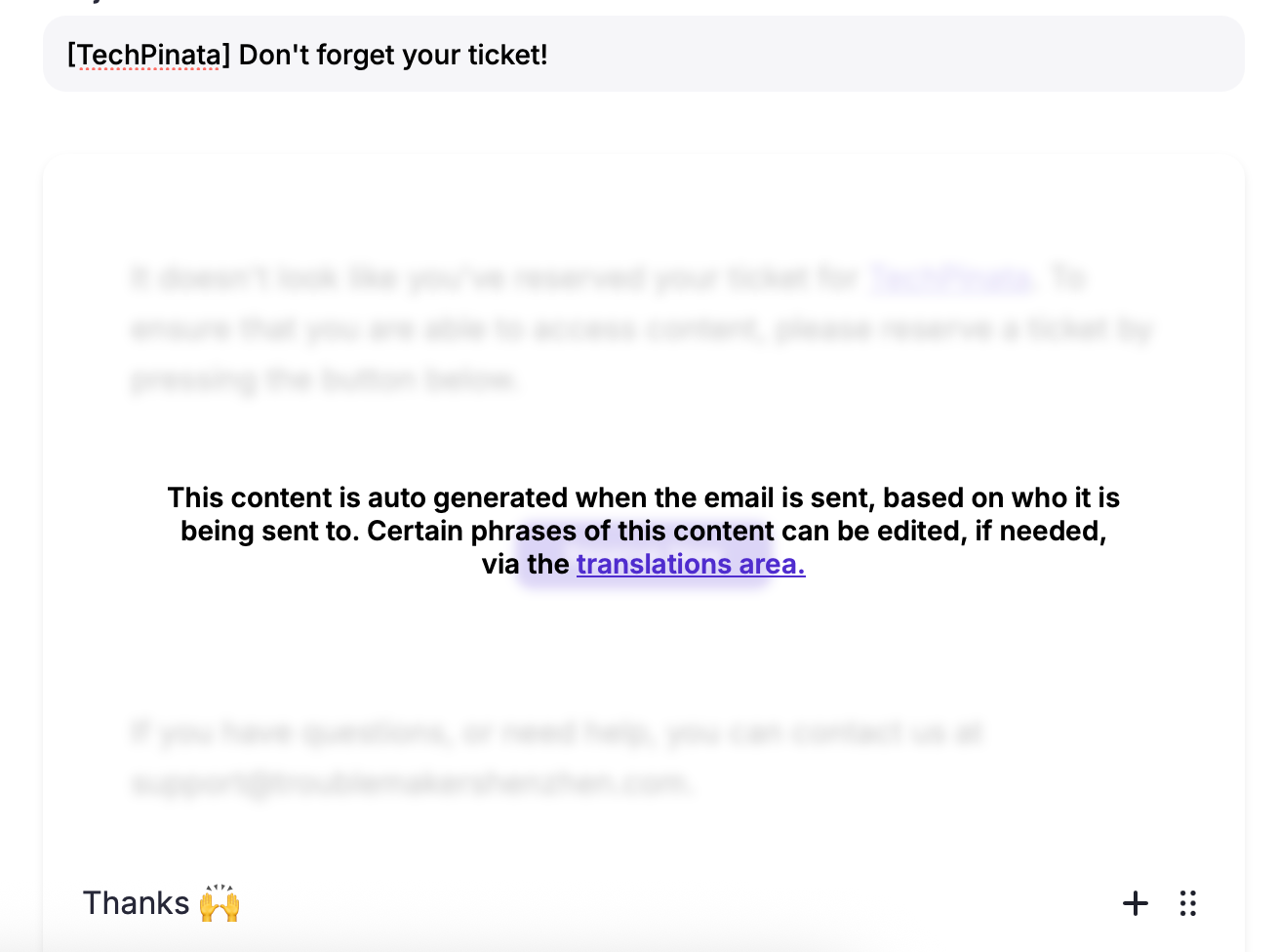
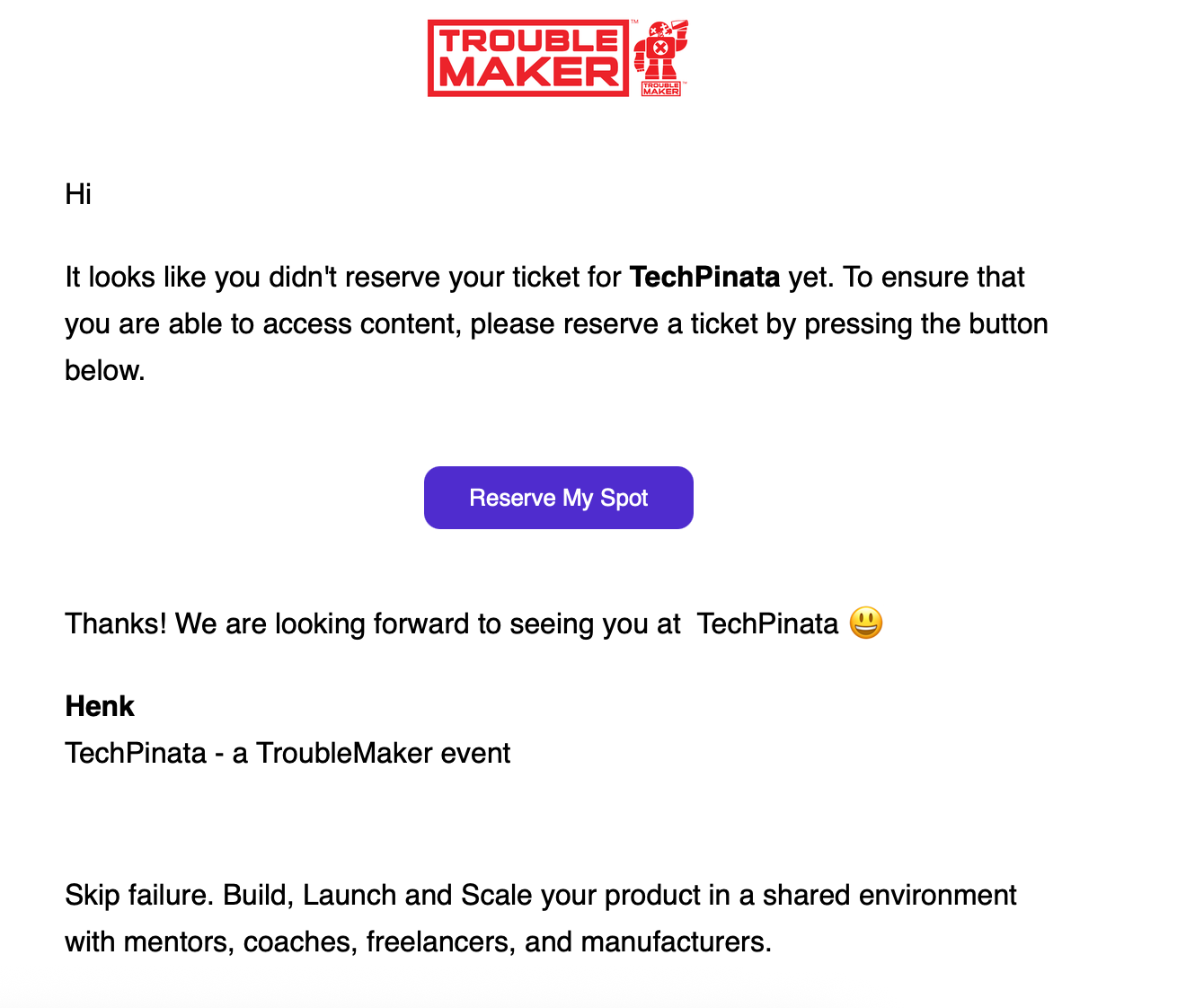
In the “Don’t forget your ticket” transactional email, however, the auto generated text is placed above the editable text and there seems to be no way to add text above the auto generated text or to move custom text up to the top.
Not sure if this qualifies as a feature request. 🤔
Completed
Hi Henk, That's a great suggestion. We've just rolled out an update to this template, but it will only work for new events unless you reset the content on your existing events. To do this, go to the emails area in your event dashboard. For the email in question, click the dropdown next to it and select "reset content." This will reset it to the new base template, which is now fully editable. Hope this helps, and thanks for the suggestion.