
- new feature
Choose attendee emails for presenters
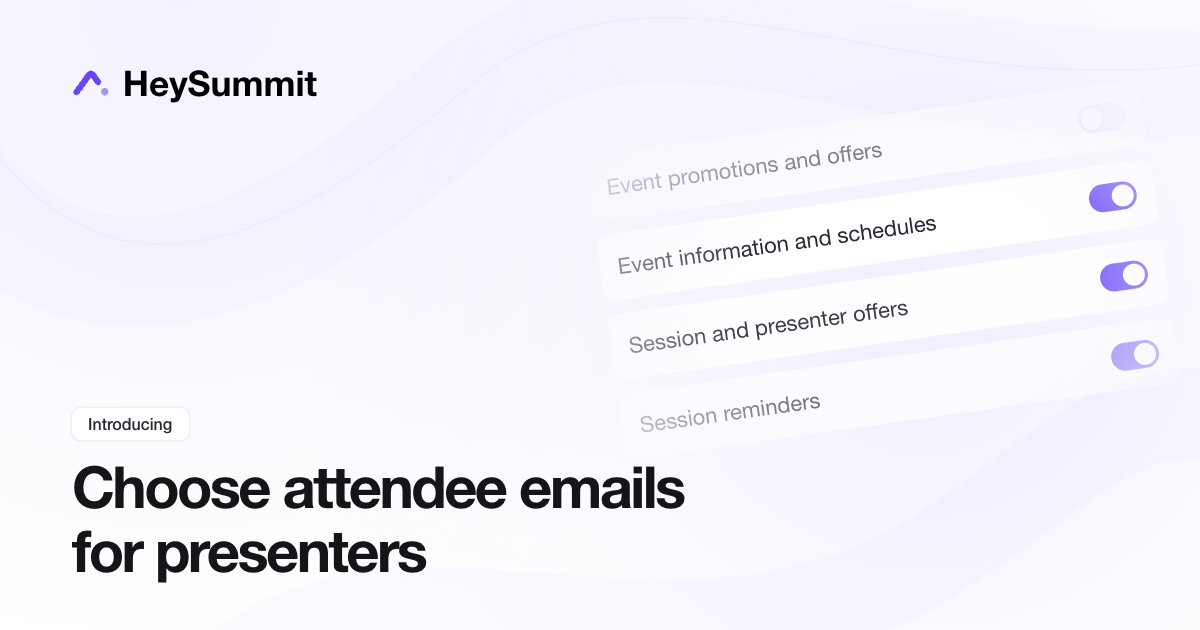
You can now choose which attendee emails presenters receive by default when you automatically give them attendee access. Choose separately for event promotions and offers, event information and schedules, session and presenter offers, and session reminders.
Go to Event Settings > Event Experience > Presenter Experience, choose Yes, assign attendee access, select a ticket, and set your email defaults before saving. Presenters can already watch through their Presenter Dashboard login; a separate attendee ticket is optional.
Before you save: turning an email category off also unsubscribes matching existing presenter attendee accounts in this event. Turning it back on affects new accounts only and does not resubscribe existing people. Emails about presenting their own sessions, sign-in emails and receipts keep their separate rules.
