April 10th, 2023
Managing Evergreen Talks 🌱
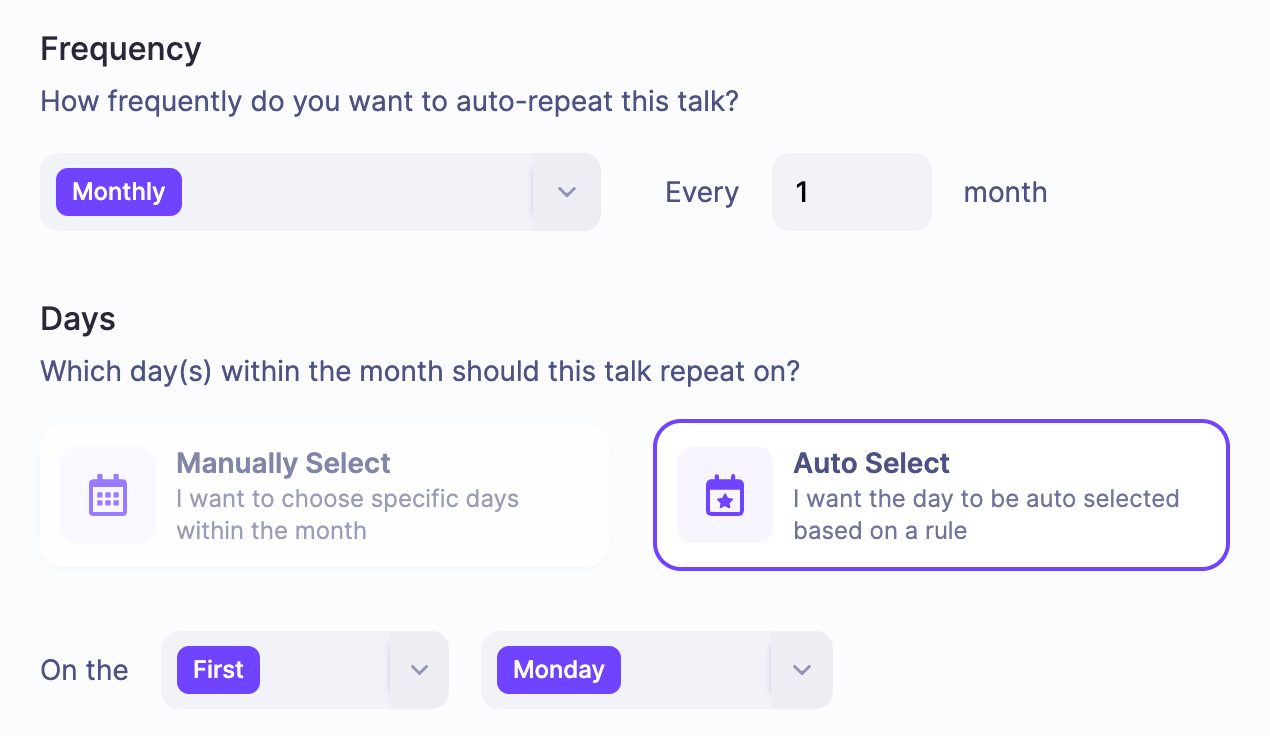
If you'd like to repeat the Broadcast of an individual talk, you can now do so by configuring auto-repeat rules. Auto-repeating can be helpful if you want to create an evergreen pre-recorded webinar or simply create a regular / repeating session.
To access the new evergreen settings, head to the "Content" > "Talks" area within your event. From here you can access the 'Evergreen Settings' option by pressing the ... dropdown menu next to the talk you want to auto-repeat.
We've also recorded a short video to showcase how to setup an evergreen talk.
Write a comment...