December 21st, 2022
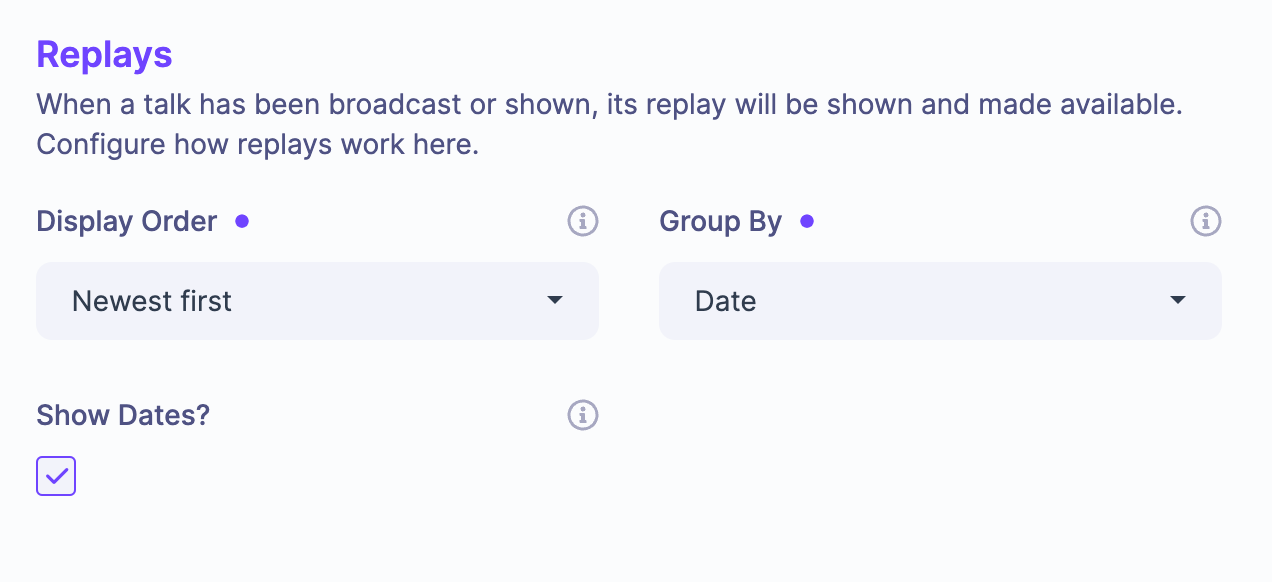
Group Replays by Category
Based on some customer feedback, we have rolled out an update that lets you change the Replays to group by category (as opposed to by date, which is the default behaviour). To activate this on your event now, head to Event Setup > Talk & Replays Experience. In there you'll see a new "Group By" dropdown.
Please note that you will need to be using the new v2 design for the event pages. If you havent already turned this on, you can do so by clicking the Manage dropdown (top right of the screen) and clicking the "Turn on New Design" option.
Write a comment...