August 22nd, 2024
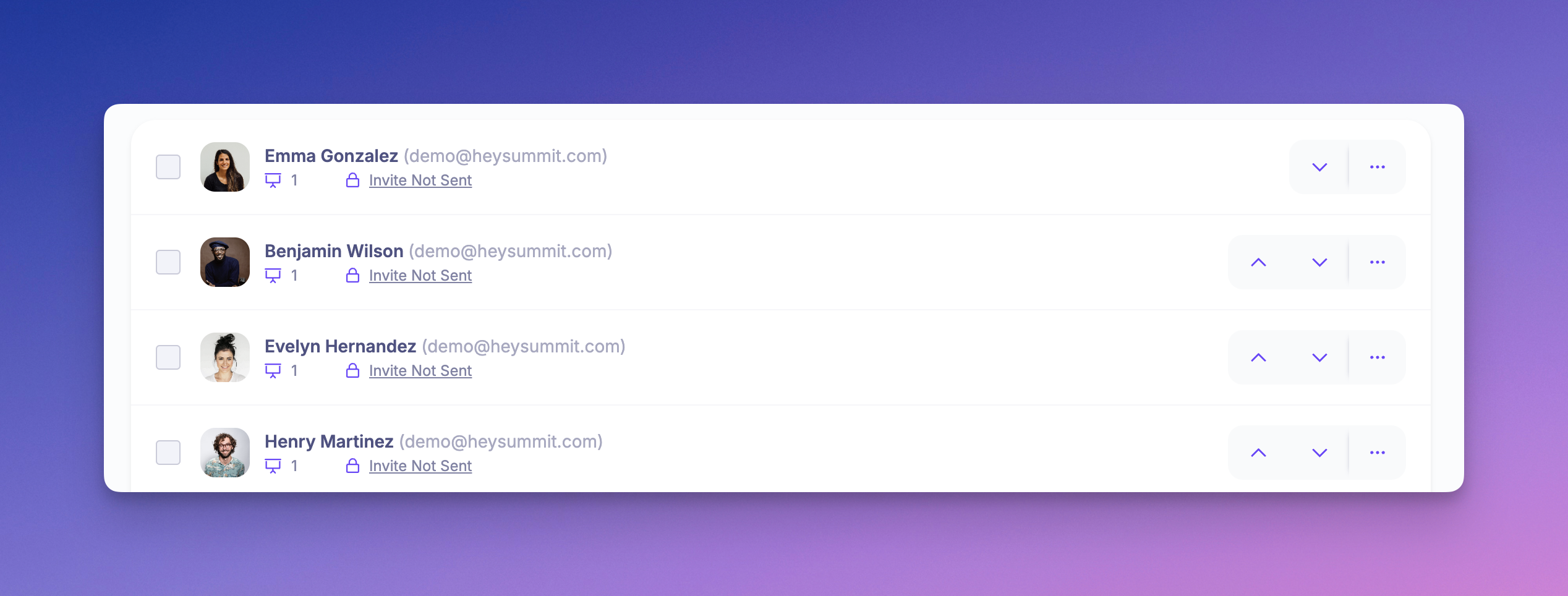
Customize Speaker Display Order
We’ve added a new feature that lets you customize the order in which your speakers are displayed. This gives you more control over how your event’s speaker lineup is presented to your audience.
What’s New:
Custom Speaker Order: You can now manually set the display order of your speakers directly from the dashboard under Content > Speakers.
Note: If you previously used the VIP A / B approach to manage speaker order, that setting will remain in effect until you choose to override it with the new ordering controls.
Write a comment...