June 9th, 2026
Improved
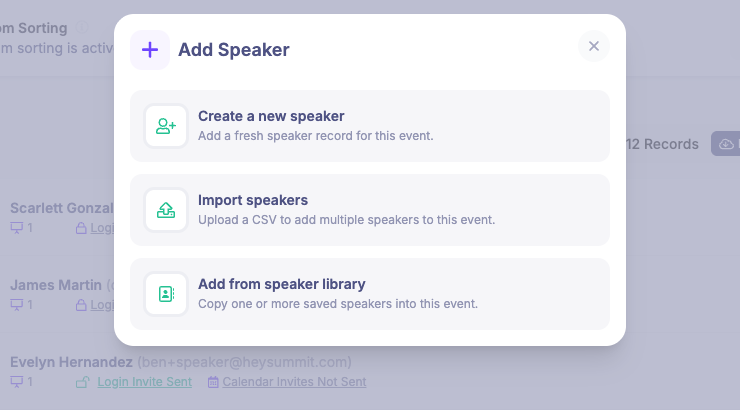
Reuse speaker profiles across events
You can now keep reusable speaker profiles in an account-level Speaker Library, then add saved speakers to new events without re-entering the same details each time.
From an event's Speakers page, the Add button now lets you create a fresh speaker, import speakers from CSV, or add one or more speakers from your library. When you add a library speaker to an event, HeySummit copies the profile details into a normal event speaker record, so you can still customize that speaker for the specific event.
You can also review and manage your saved speaker profiles from the account dashboard under Speaker Library.
Write a comment...