June 16th, 2026
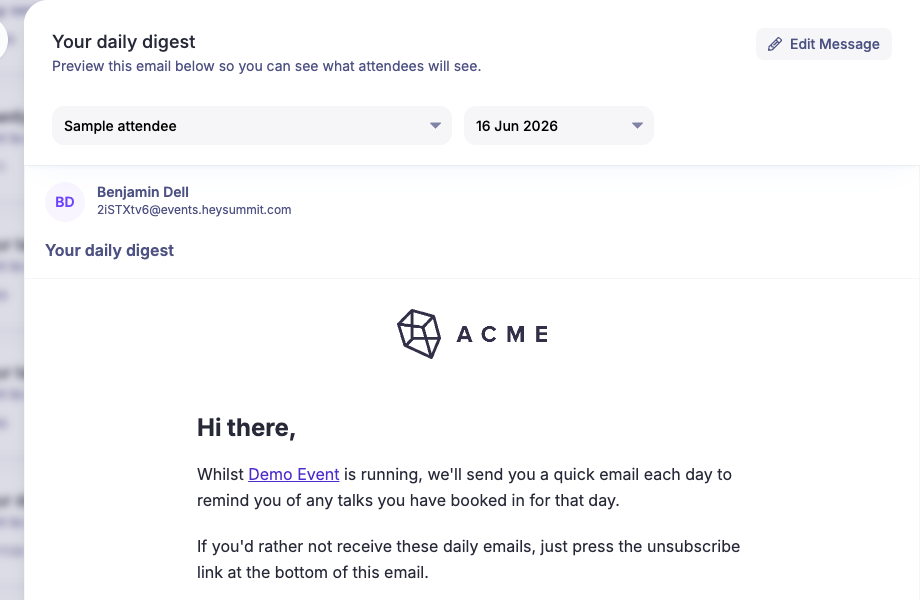
Preview transactional emails before they send
You can now preview transactional emails from the Emails area before they are sent. Open a transactional message and choose Preview Email to see the rendered email for a sample recipient.
For emails that depend on timing, such as daily digests and talk reminders, choose the recipient first and HeySummit will show the dates that have relevant content for that person.
If something needs changing, use Edit Message from the preview drawer and switch back to preview when you are done.
Write a comment...