November 13th, 2024
New Controls for Broadcast Chat, Q&A, and Poll Tabs
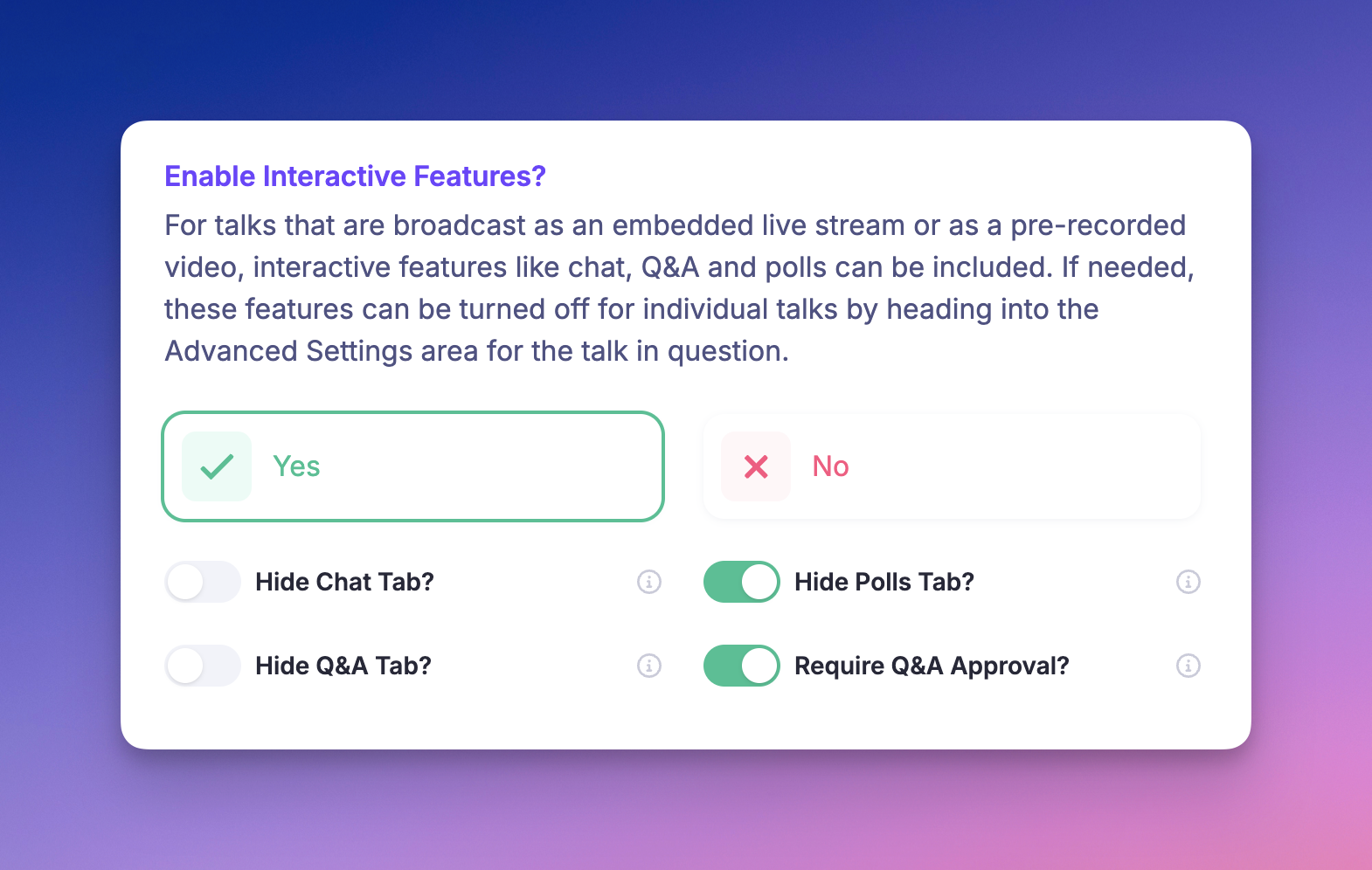
We’ve added more customization options to your broadcast chat components, allowing you to control attendee interactions with greater precision. You can now toggle visibility for each tab (Chat, Q&A, and Polls), directly from your event settings. Additionally, you can require moderator approval for questions in the Q&A tab, ensuring only approved content is visible to attendees.
What’s New
Toggle on/off visibility for the Chat, Q&A, and Poll tabs within broadcasts.
Set Q&A questions to require host or moderator approval before they’re displayed to all participants.
Access these new settings by navigating to Setup > Talk & Replay Experience. This update gives you full flexibility to shape the interaction experience in each session.