July 13th, 2026
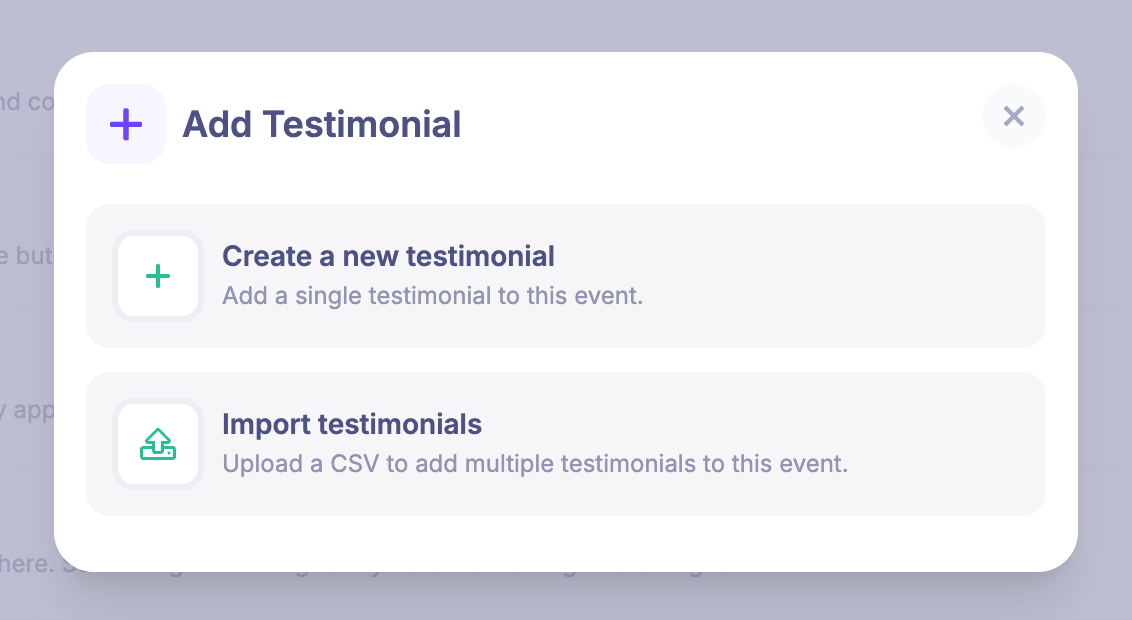
Import testimonials from CSV
You can now add multiple testimonials to an event in one go by uploading a CSV.
Open Promoting > Testimonials, choose Add Testimonial, then select Import testimonials. Map the quote, name, and job title or company columns before starting the import. You can also export testimonials from one event and upload that CSV to another.
If any rows cannot be imported, the import log shows what needs fixing and lets you download the failed rows as a CSV for correction and re-upload.
Write a comment...