October 19th, 2022
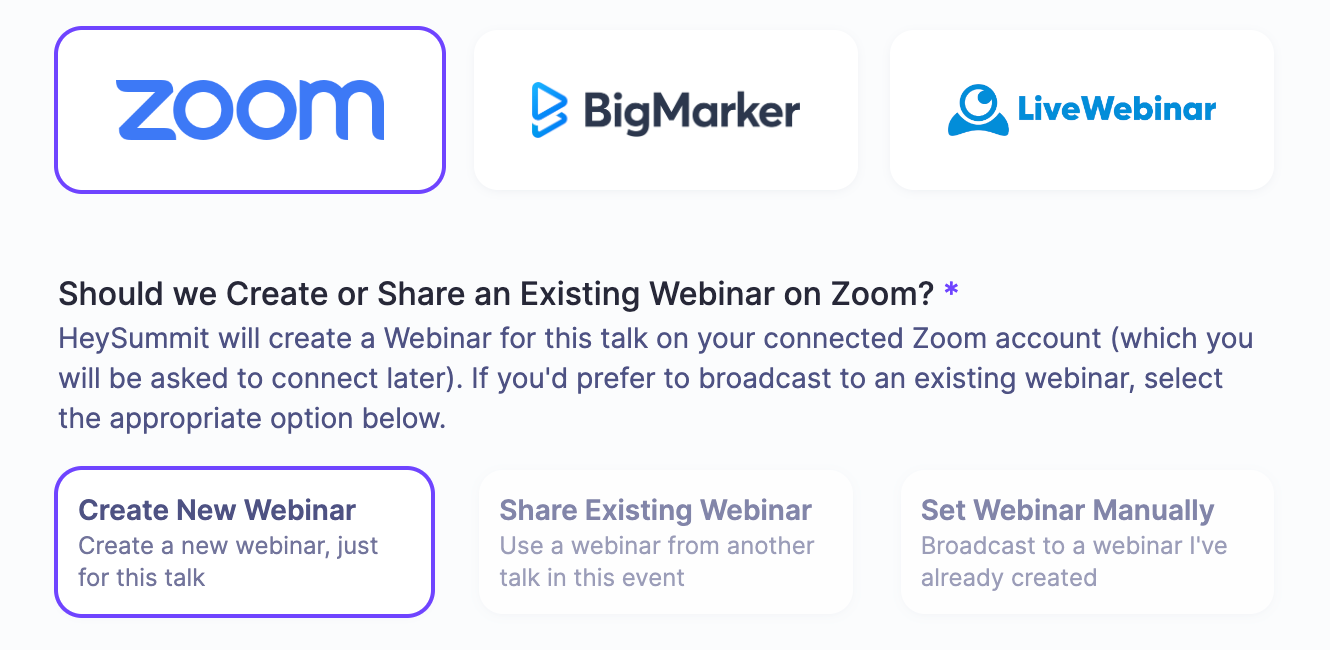
Create or Share an Existing Webinar
When setting up a talk designed to be broadcast to one of our supported Webinar Providers (such as Zoom) we will automatically create a new Webinar on your connected Zoom account (where one webinar will be created per talk). This is a great way to keep things separate and a bit more organised.
However, from time to time, it can be useful to re-use an existing webinar on your Zoom account. For instance, you might want to have all talks on day 1 linked to just one Zoom webinar so that you (as hosts) can stay in that one webinar all day, without having to jump in and out of webinars all the time.
To help with this scenario, we've added a new option when setting up your talk. You can now choose to re-use a webinar from an existing talk within your event or manually enter the Zoom webinar ID yourself.
We hope you find this update helpful. As always, just shout if there's anything else we can do to improve this workflow.