June 8th, 2026
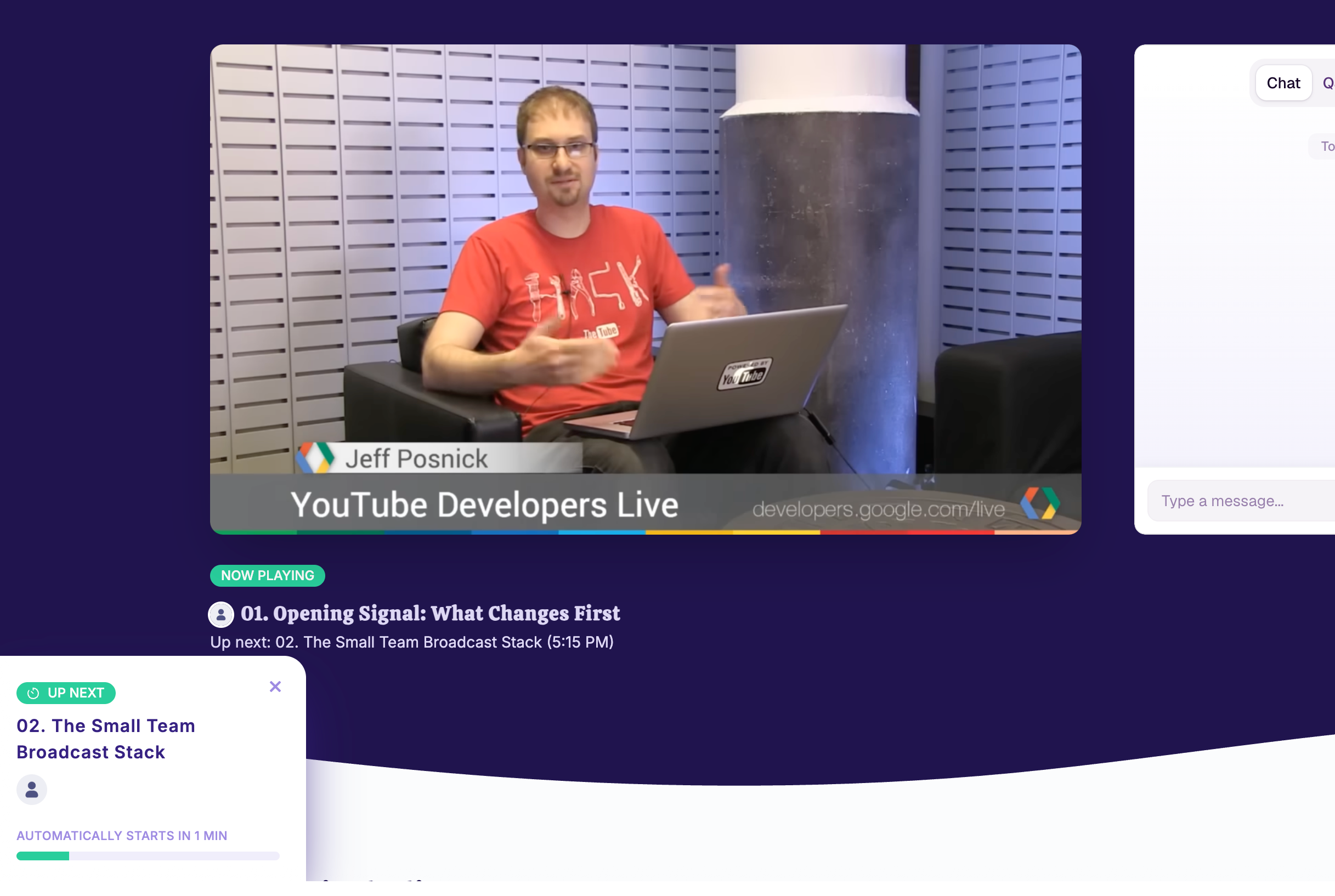
Automatic Talk Playlist for Stages
Organisers can now set a stage date to automatically play the broadcasts for each talk linked to that stage, one after another, based on the scheduled start times.
This gives attendees a smoother viewing experience: they can stay on the same stage page while the next talk starts automatically, rather than moving from talk page to talk page.
Organisers can also preview the stage date experience ahead of time to check how each talk will appear.
To use it, open the stage in your dashboard, choose the relevant stage date, go to the Broadcast tab, and select Automatic Talk Playlist.
Write a comment...