October 8th, 2022
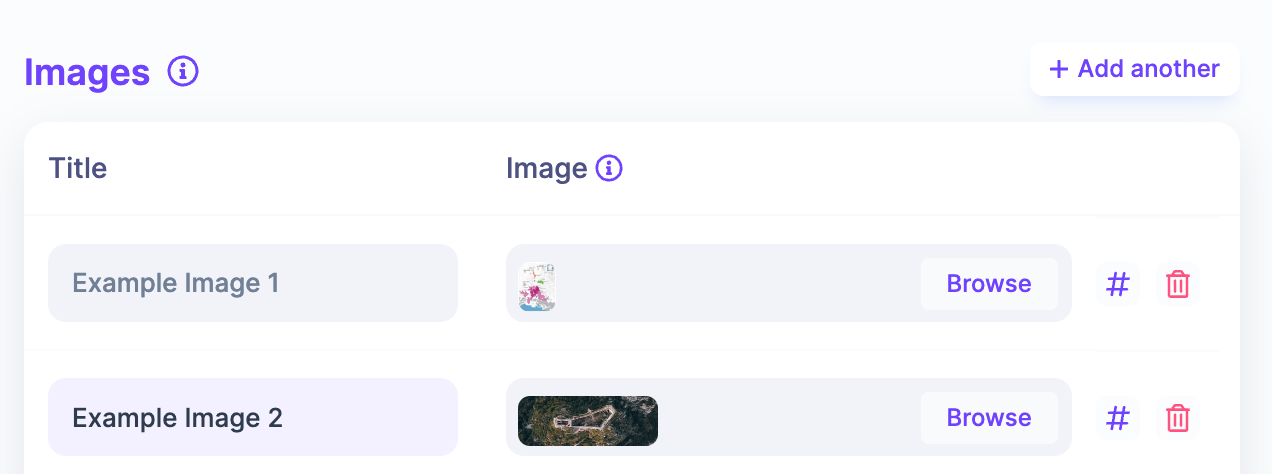
Add Talk Images
A small, but much requested, new feature has just been released. You can now attach images to your talks. Any image added will be shown on your public talk pages in a gallery format. Clicking an image will show the full size image.
To start adding images, head to Content > Talks, and then select the Update Content option for the talk you want to add images to.
Write a comment...