July 23rd, 2025
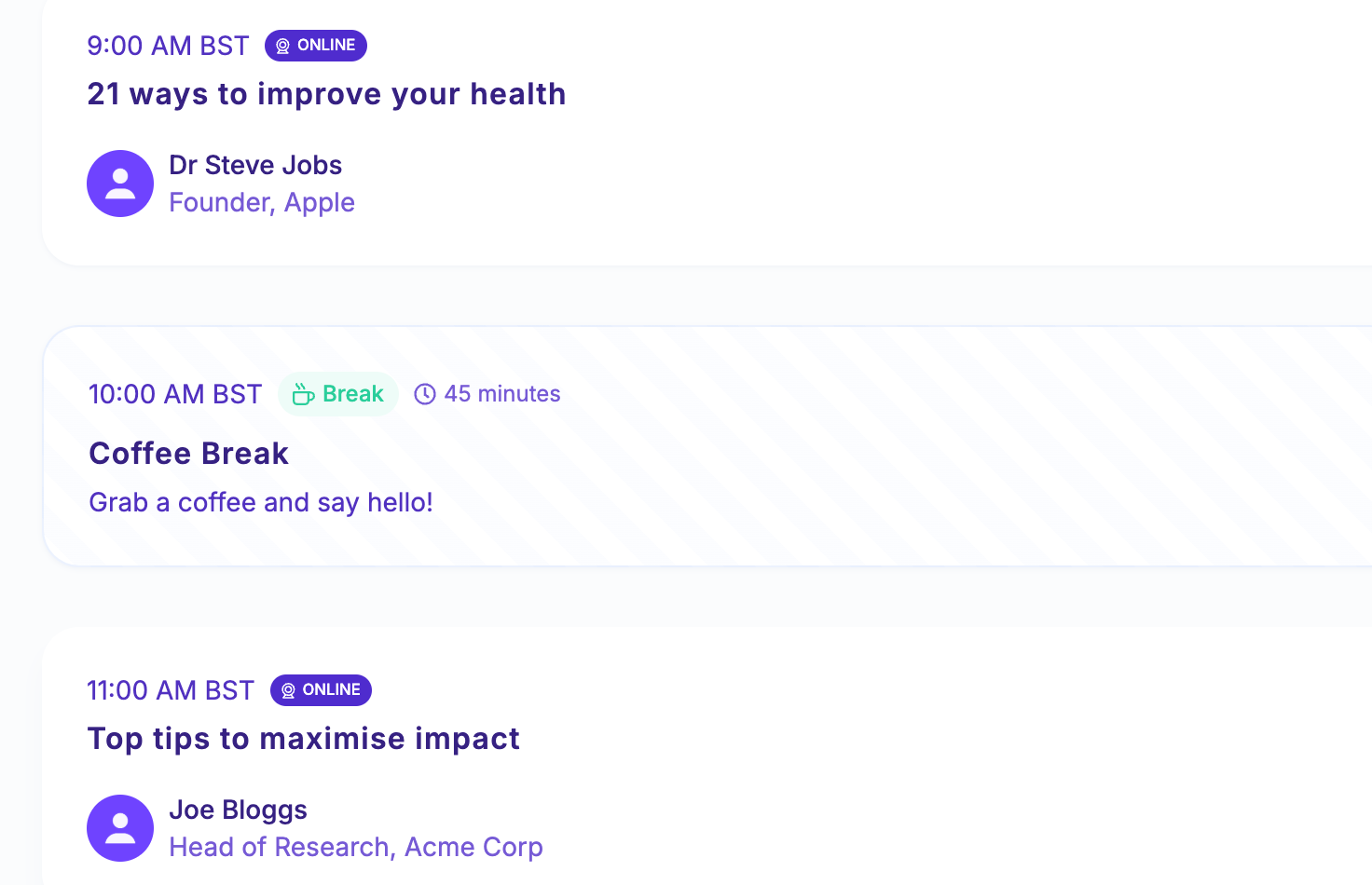
Add Agenda Items Between Talks for a Clearer Event Flow
You can now insert custom agenda items between talks in your event schedule - perfect for coffee breaks, networking sessions, or marking key transitions throughout the day. This new feature was one of our most requested, and it’s designed to help both organisers and attendees better understand how the day is paced and structured. Agenda items are fully visible within the main schedule, sitting alongside your talks in a clear, chronological view.
What’s New
Insert agenda items between talks to mark non-talk segments like breaks, social events, or time blocks.
Agenda items appear directly in the main schedule, helping attendees get a full picture of the day’s flow.
Easy to add from the event dashboard - just go to the Content > Talks area and click the new “Add Agenda Item” button.
Chronological ordering ensures all talks and agenda items are displayed in a seamless timeline.
This is our first version of the feature, so we’d love your feedback as we continue to refine it. Let us know what works - and what could work better!